Guides4 min read
How to make a liquid glass effect in Figma
Figma's own glass is a background blur. For real liquid glass, the kind that bends the background and splits light at its rim, tune Glass refraction in Sagely and paste it into Figma as a live shader layer. It takes about a minute.

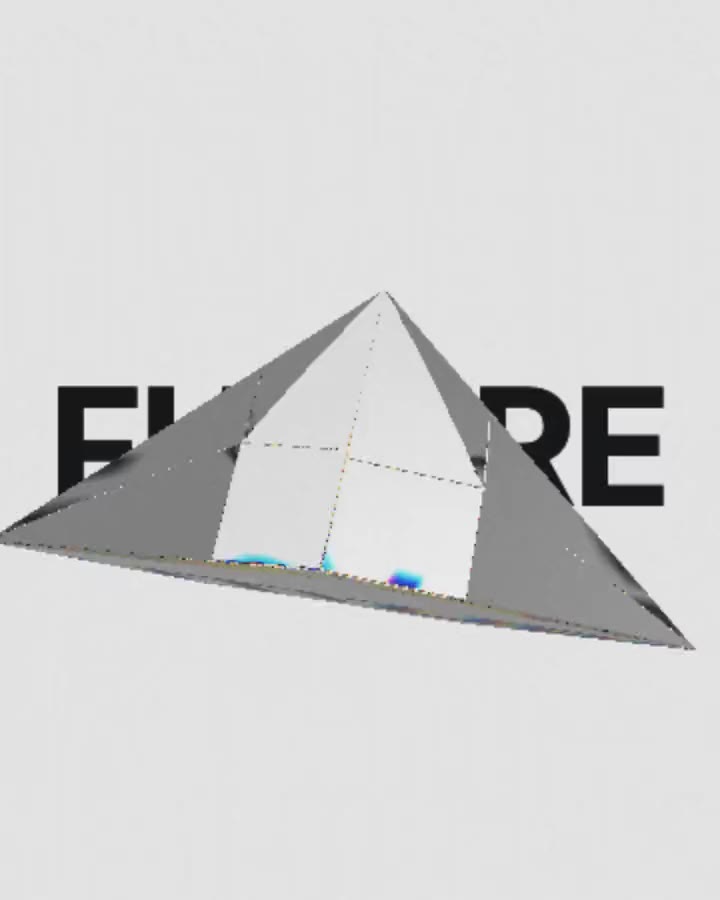
What makes glass look liquid
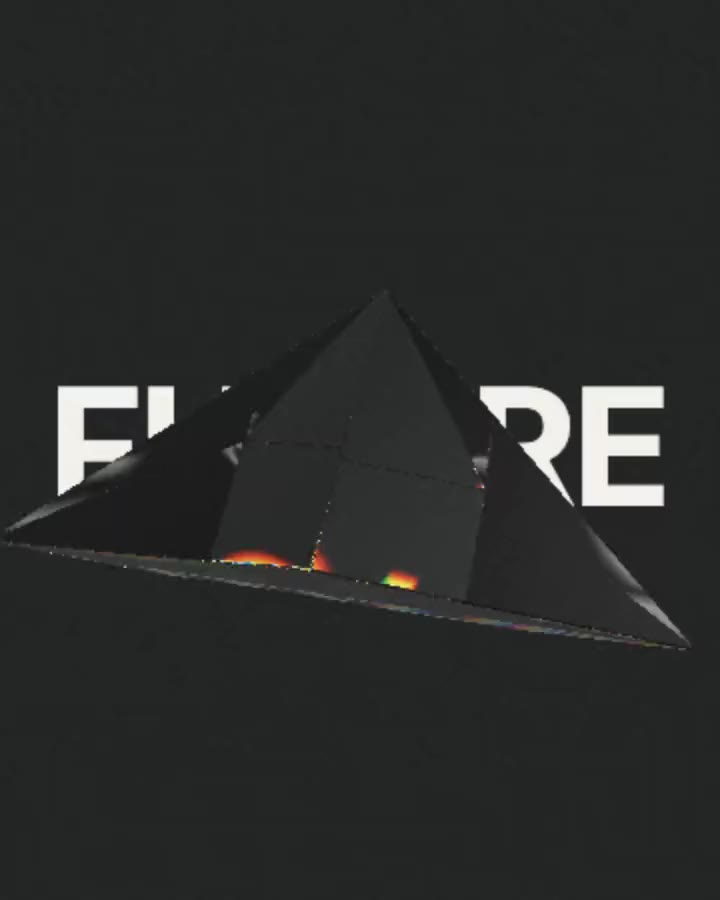
The look Apple brought in with iOS 26 comes from three things working together. Refraction bends whatever sits behind the glass through its thick rim. Dispersion splits that bent light into a thin rainbow along the edges. Reflection adds a soft highlight that moves as the glass turns.
Background blur in Figma does none of these: it only softens what is behind. That is why a frosted rectangle reads as frosted, not as glass. A shader can do all three, and Figma runs shaders as real layers.
Make it in five steps
Open Glass refraction
Open Glass refraction and pick a Form: Lens, Prism, Cube, your own Letters, or an SVG of your logo.

Put something behind it
Under Backdrop, type a headline, or drop in a photo or a video. Glass only reads when it has something to bend, so give it contrast.

Tune the edge
Under Glass, raise Refraction for a thicker rim and Dispersion for a stronger rainbow. Frost adds a matte finish, Tint colours the glass.

Copy it for Figma
Click the arrow next to Copy prompt and choose Figma under Copy for. It copies right away, and the button remembers Figma for next time.

Paste into Figma
Press Cmd+V (Ctrl+V on Windows) in any Figma file. The glass lands as a live shader layer, not a picture: it keeps moving and stays sharp at any size.
Settings that look right
- Glass over UI (a button, a nav bar, a card): Refraction around 1.3, Dispersion 0.2 to 0.4, a little Frost. It should hint at glass, not pull focus from the text.
- Glass as the hero of a cover: Refraction 1.8 to 2.2, Dispersion 0.8 or more, a bold headline or a bright photo behind it.
- Your logo in glass: choose SVG under Form and upload the logo. Simple, solid shapes refract best.
More glass for your file
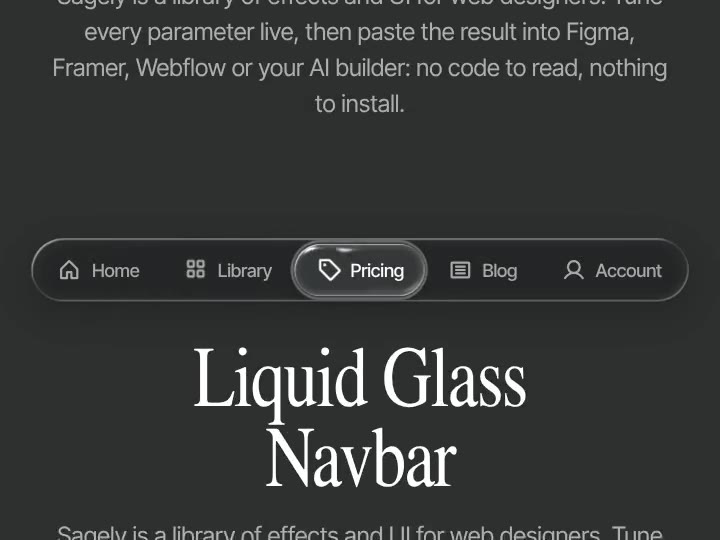
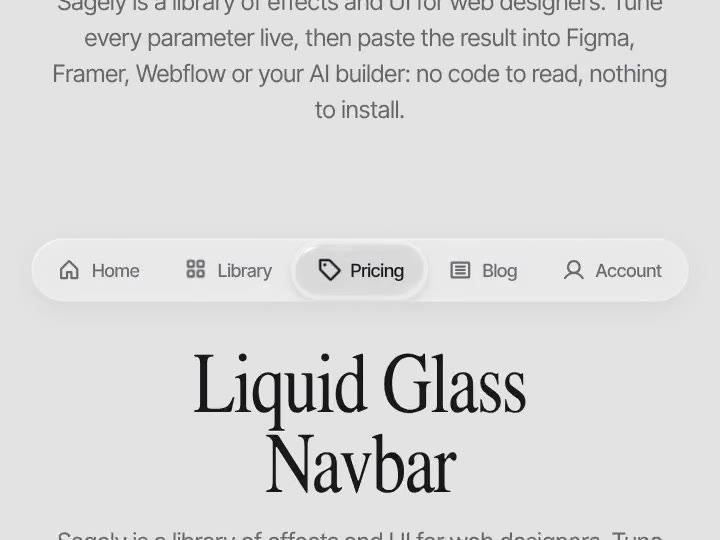
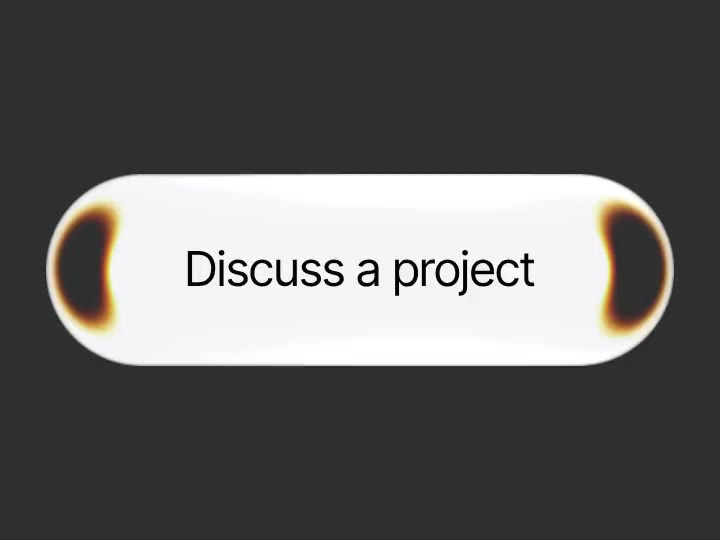
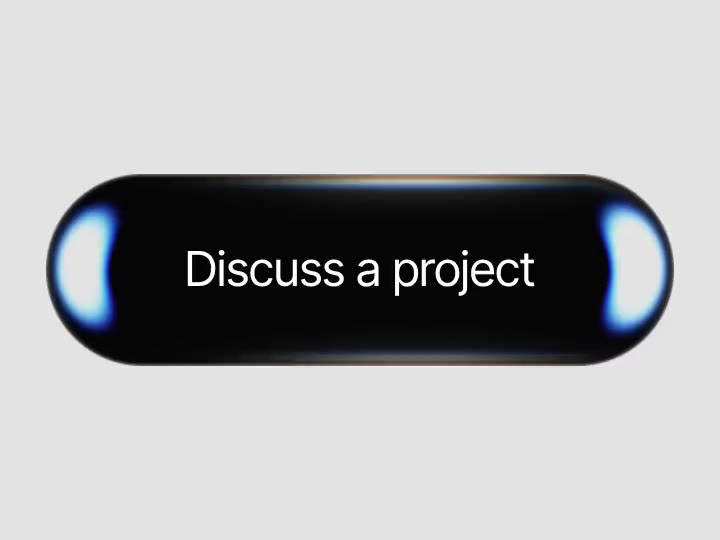
Liquid Glass Navbar, Glass CTA and Liquid Glass Carousel paste into Figma as auto layout frames, so you edit their text and images like any other layer. Liquid Glass Logo and Fluted glass paste as shader layers, like Glass refraction. Fluted glass is free.