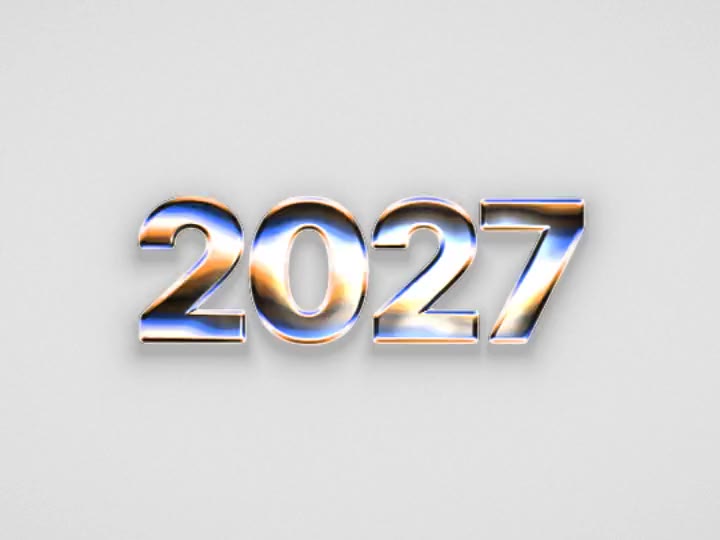
 Tempered Chrome

Shaders, text effects, sections and UI. Tune it here, copy it for Figma and paste: shaders stay live with their settings, components land as layers you can edit.
Not a flat picture. Layers you keep working with, the way you would build them yourself.
Effects stay shaders, not screenshots. Their settings sit in Figma's panel, so you keep tuning colours and shape after the paste.
Components come in as auto layout frames with real text and vector icons. Rename, restyle and reuse them like your own.
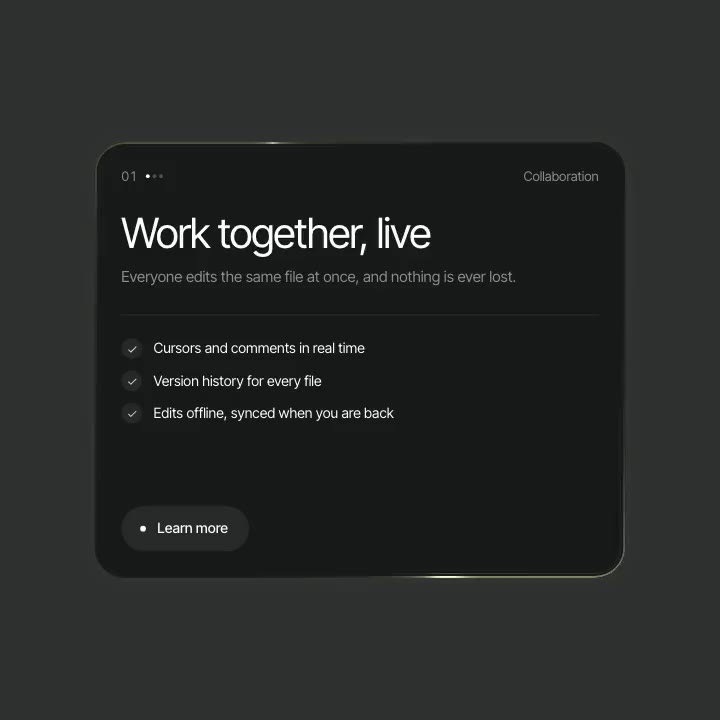
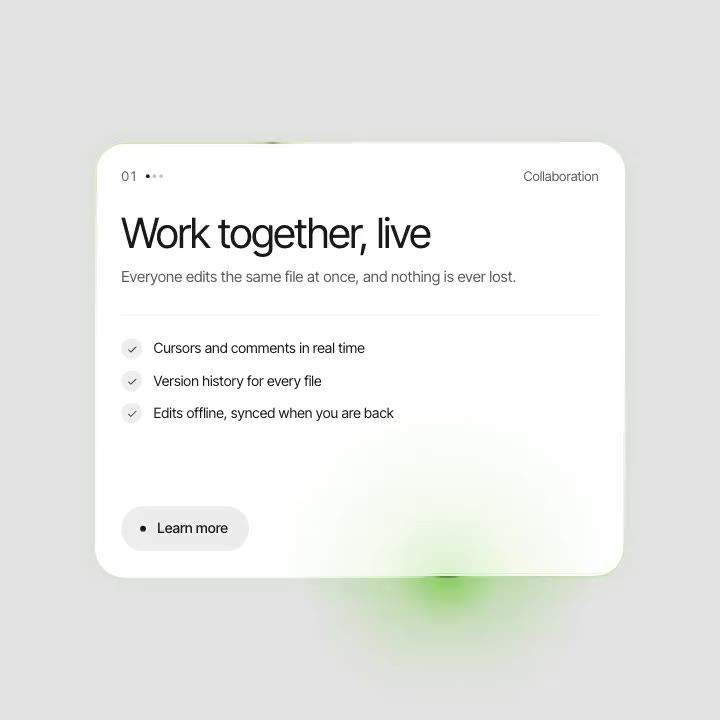
Responsive sections paste at 1440, 768 and 390 wide, so the desktop, tablet and phone layouts are ready for your mockup.
Menus, toggles and counters arrive as component sets with their states, wired for prototyping.
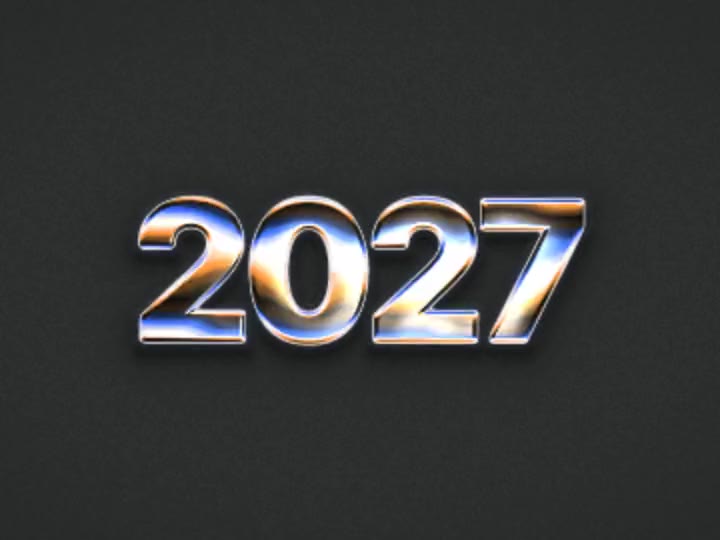
Under a text effect the words are a real text layer. Change the copy and the effect follows.
Use it in commercial and client projects without credit. Only reselling the items themselves is off limits.


Change colours, speed, text and images right on the page. What you see is what you paste.


One button in the Copy menu. Free items only need a free account.

Press Cmd+V in any design file. Shaders arrive as live layers, most sections with desktop, tablet and phone versions.
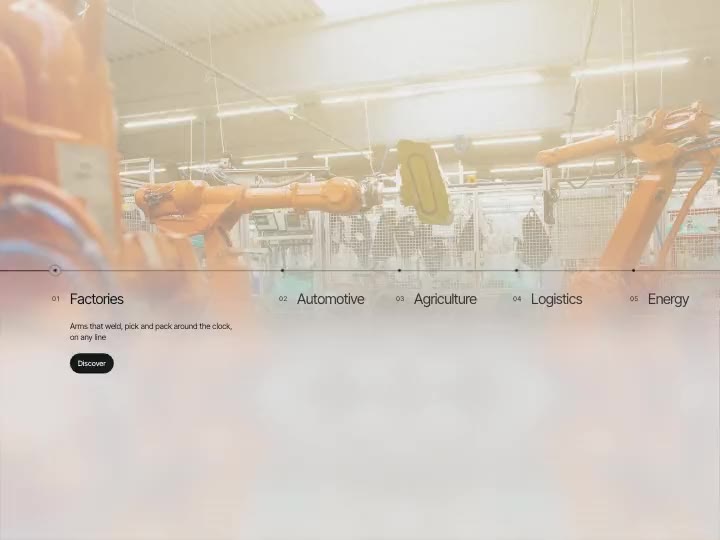
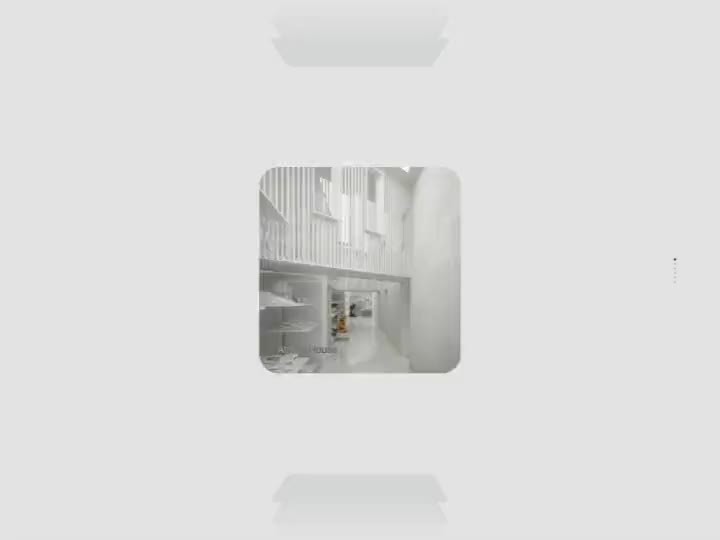
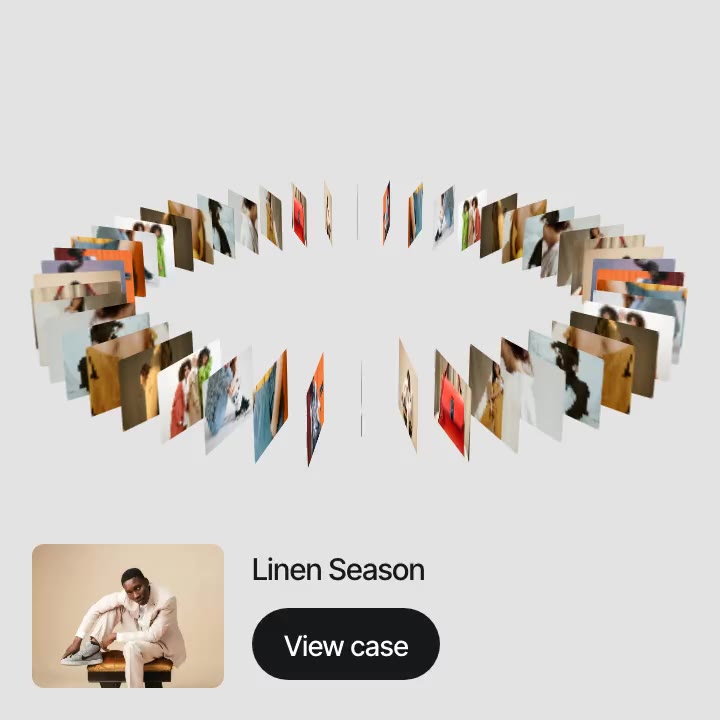
Shader backgrounds, text and image effects, interactive components and whole website sections. Pick a category to see what is in it.


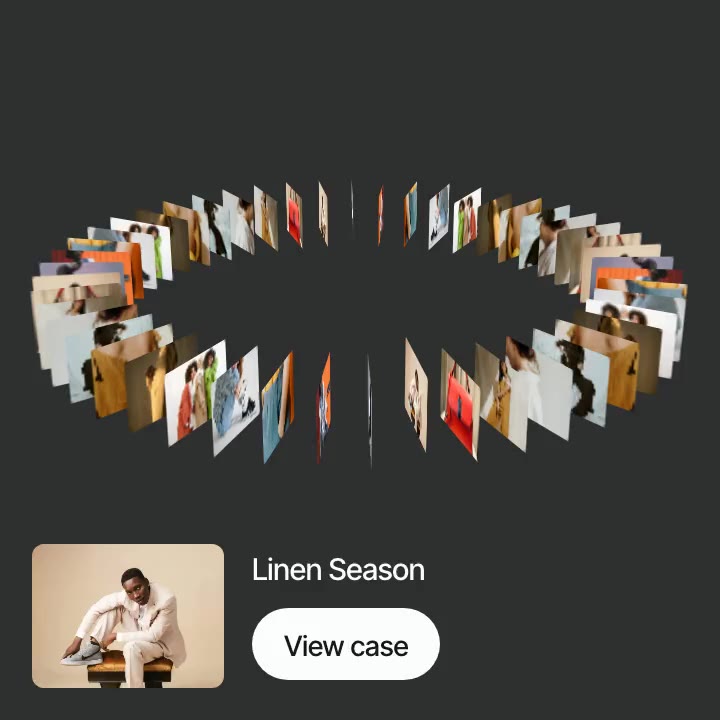
Shader backgrounds and gradients, patterns, text and image effects and 3D shapes. Each one is a live shader layer you can set behind a hero, a card or a whole frame.


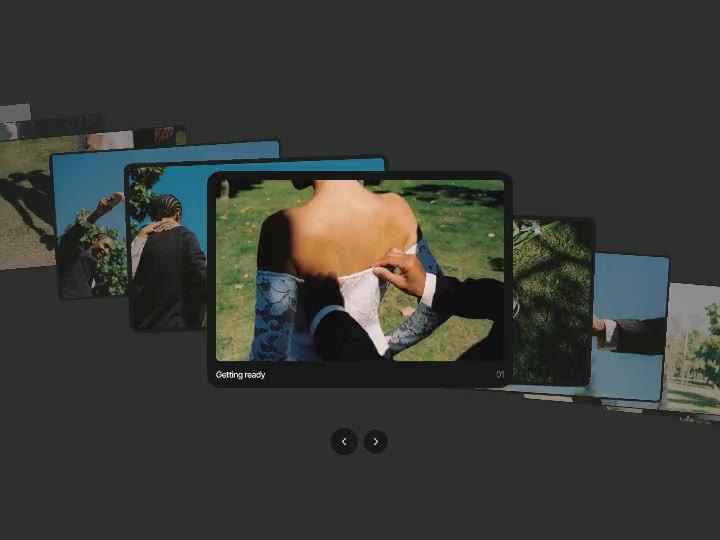
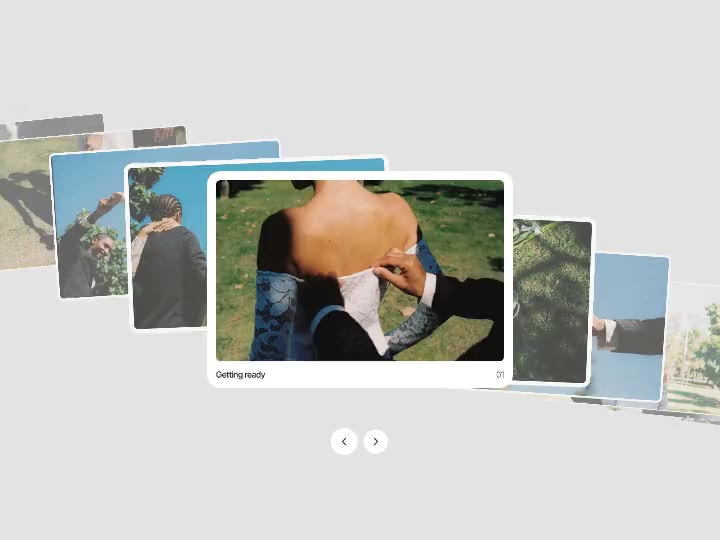
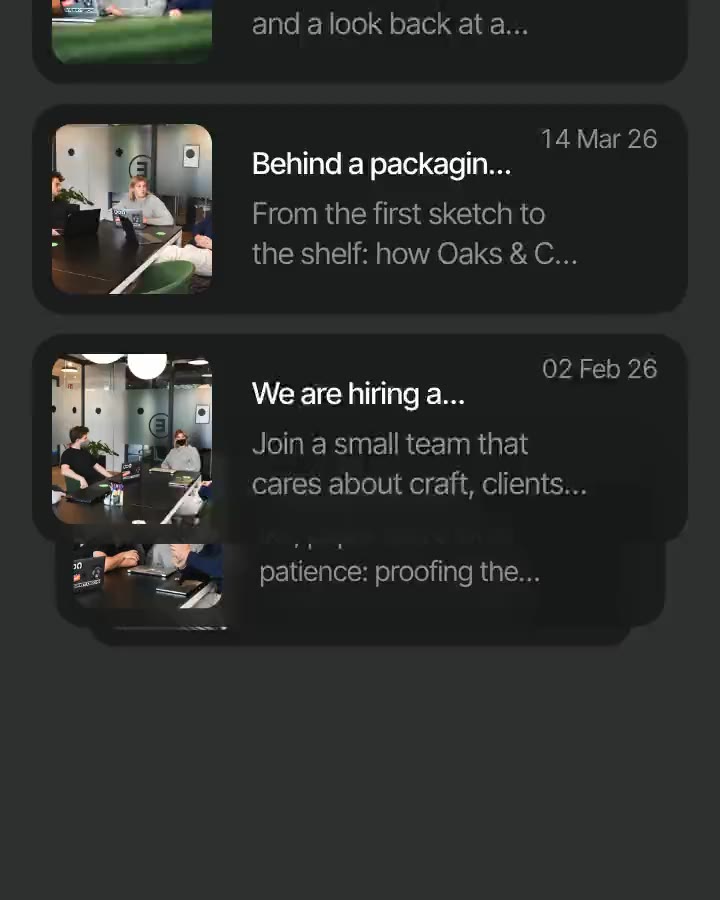
Buttons, menus, navigation, carousels and the small interactions, built from auto layout, text and vector icons.


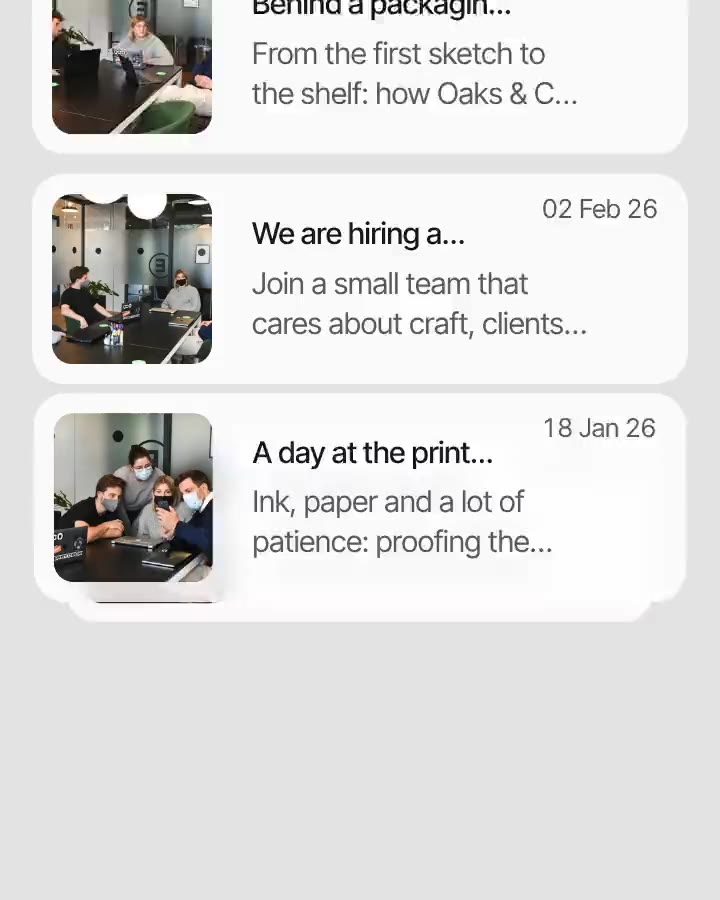
Ready blocks for a landing page: heroes, galleries, testimonials, pricing, FAQ and footers, most in three sizes, to fill with your own content.
What people ask before they paste the first one.
Still have a question?
Write to us and a real person on our team will answer.