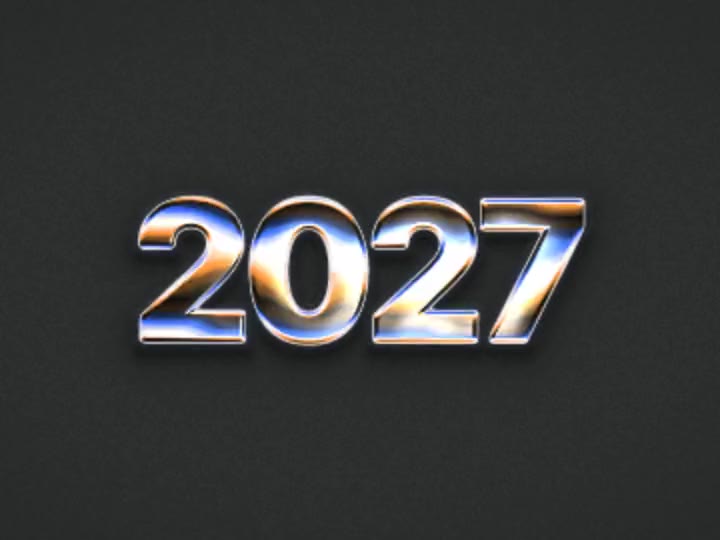
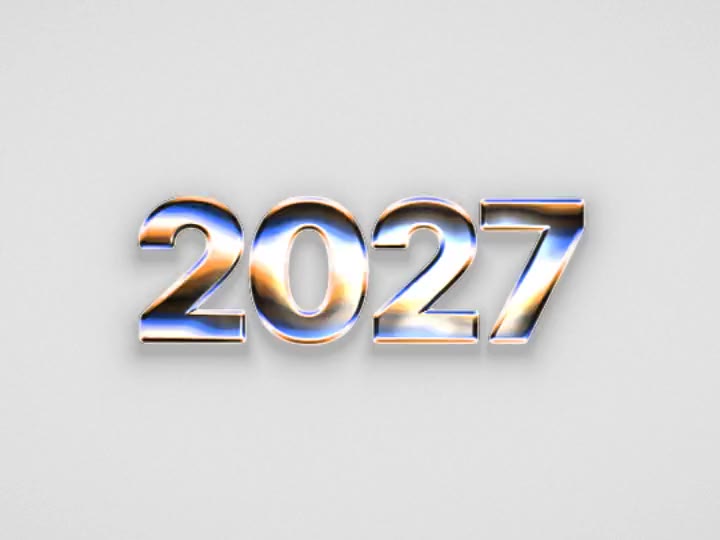
 Tempered Chrome

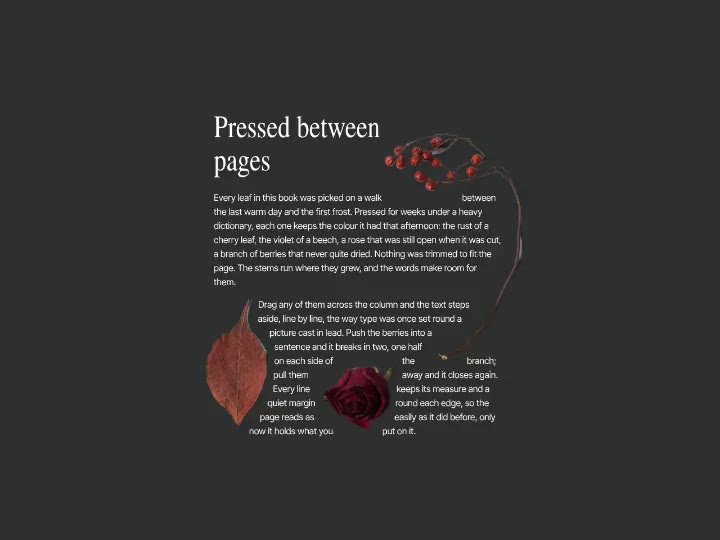
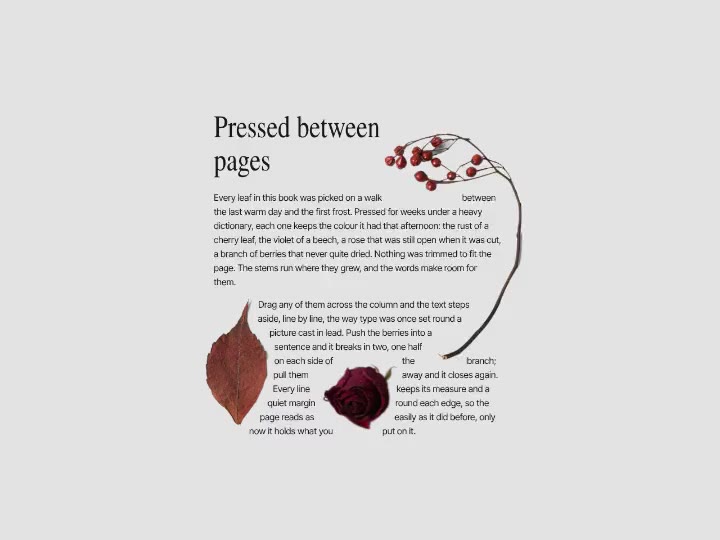
Shaders, scroll effects, sections and UI. Tune it here, copy it for Webflow and paste into the Designer: texts, links and images land as elements you can edit.
Not an iframe and not a video loop. Native elements with the motion built in.
Texts, links, images and forms paste as real Webflow elements, so you edit the copy and swap pictures right in the Designer.
Every block comes with its own classes in the Style panel. Change spacing, fonts and colours like any other element.
The moving part sits in a single Code Embed inside the block. It runs in Preview and on the published site.
Right-click the block and choose Create component to reuse it across pages and keep every copy in sync.
Shaders pause when they scroll out of view or the tab is hidden, and draw at a lighter resolution where the device needs it.
Use it on commercial and client sites without credit. Only reselling the items themselves is off limits.


Change colours, speed, text and images right on the page. What you see is what you paste.


One button in the Copy menu. Free items only need a free account.

Press Cmd+V in the Designer. The block lands with its classes, and the motion runs in Preview and on the published site.
Everything in the library copies for Webflow: live shader backgrounds, text and image effects, interactive components and whole website sections. Pick a category to see what is in it.


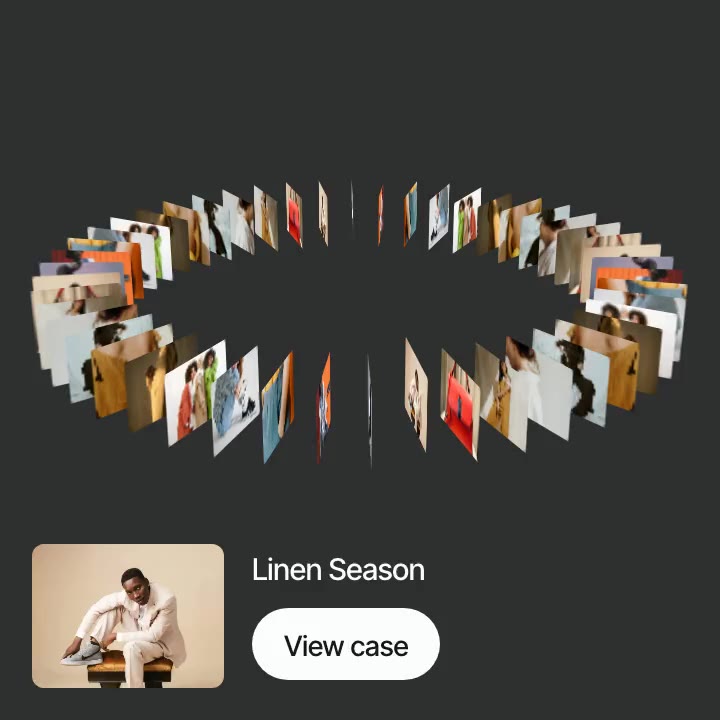
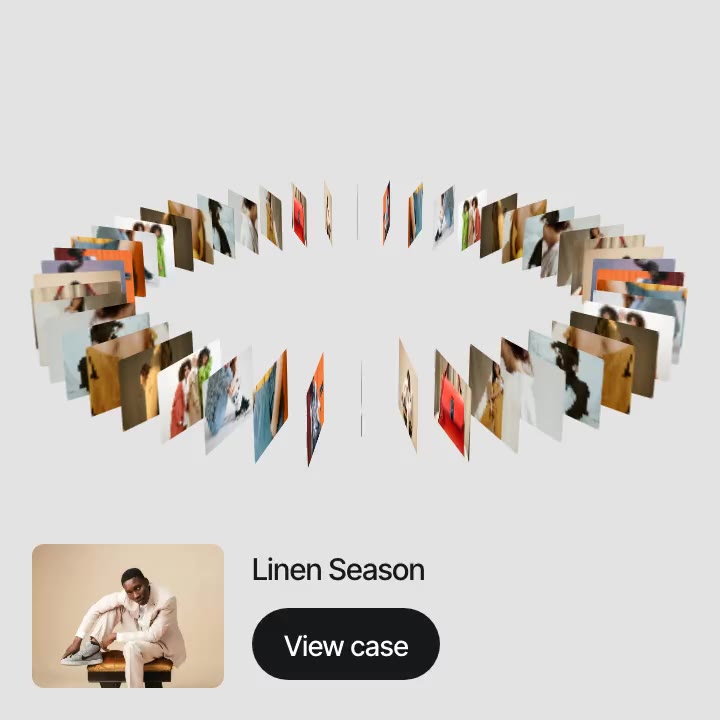
Shader backgrounds and gradients, patterns, text and image effects, 3D shapes and cursor effects, each in a block you can set behind a hero, a card or a whole page.


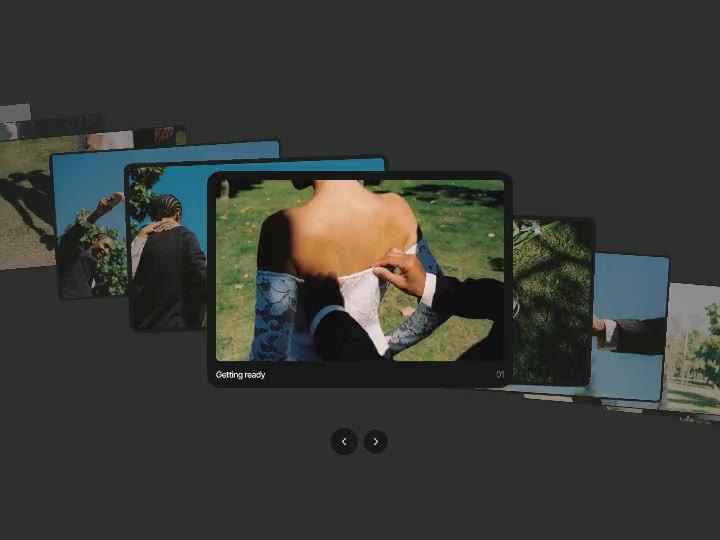
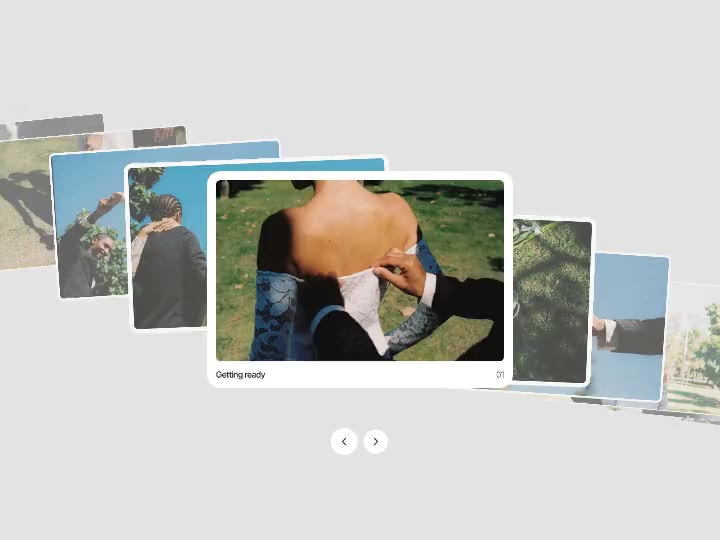
Buttons, menus, navigation, carousels and the small interactions that make a site feel made by hand.


Ready blocks for a landing page: heroes, galleries, testimonials, pricing, FAQ and footers, built to drop into a page and fill with your own content.
What people ask before they paste the first one.
Still have a question?
Write to us and a real person on our team will answer.