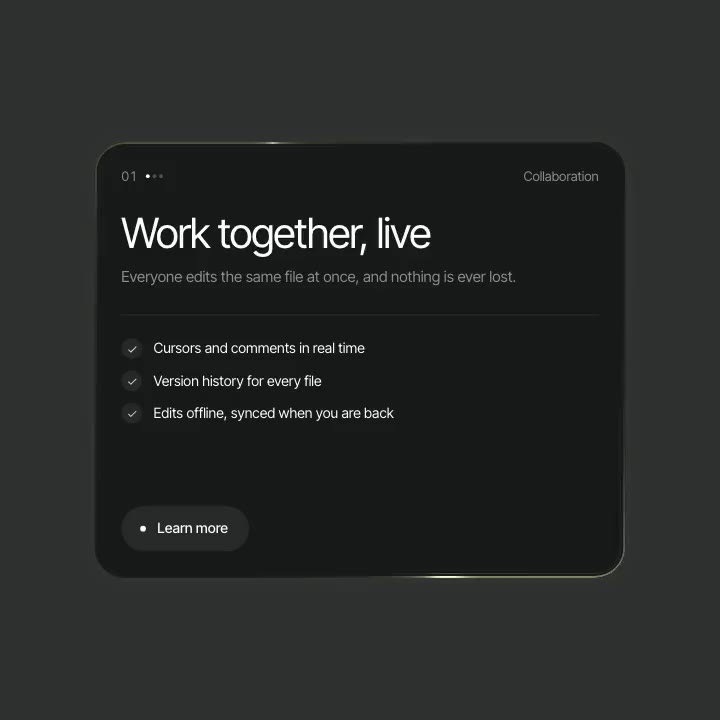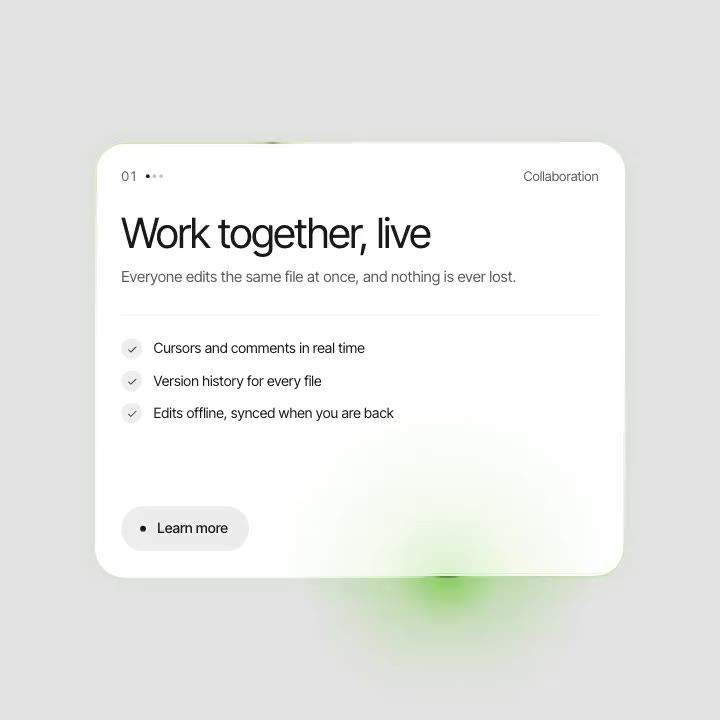
 Tempered Chrome

Shaders, scroll effects, sections and UI. Tune it here, copy the prompt for Claude Code and paste it into your project: you get the component with your settings.
Not a description to guess from. The real source code, with your settings.
The prompt carries the asset's full source code, so Claude Code places it instead of redrawing it from a description.
Colours, speed, text and every other setting arrive as the component's defaults, each one a prop you can change later.
Claude Code puts it where your components live and matches the project: file names, styling and imports.
Shader assets come as one React component that only needs React. The rest come as plain TypeScript.
Shaders pause when they scroll out of view or the tab is hidden, and stop for people who turn motion off.
Use it on commercial and client sites without credit. Only reselling the items themselves is off limits.
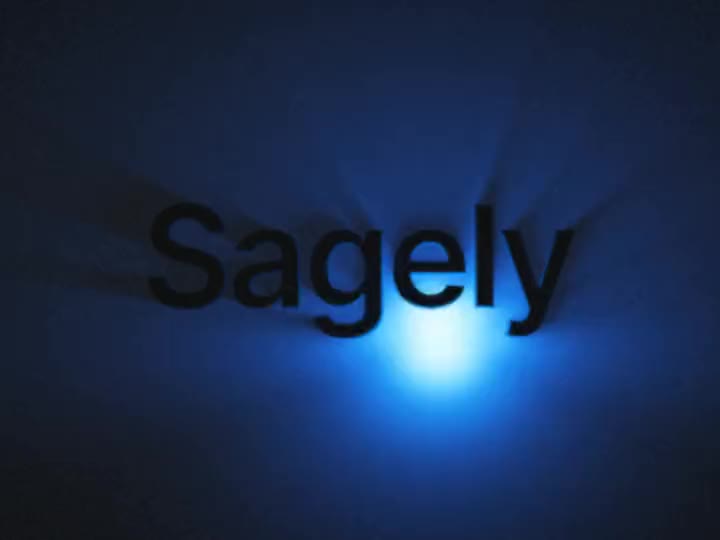
components/BacklitText.tsx
// Backlit Text from sagely.design, with your settings.
export type BacklitTextProps = {
  /** Text. Default "Sagely". */
  text?: string;
  /** Light. Default #0D4DFF. */
  light?: string;
  /** Ray length, 0 to 1. Default 0.55. */
  rays?: number;
  /** Light moves. Default "follow". */
  motion?: "follow" | "still" | "circle";
};

export default function BacklitText(
  props: BacklitTextProps
) {

Tune colours, speed, text and images on the page, then pick Claude Code in the Copy menu. Free items only need a free account.

Paste the prompt into Claude Code in your project. It carries the source code and every setting you picked.

Claude Code adds the asset as a component in your stack. It looks the way it did here, and every setting is a prop.
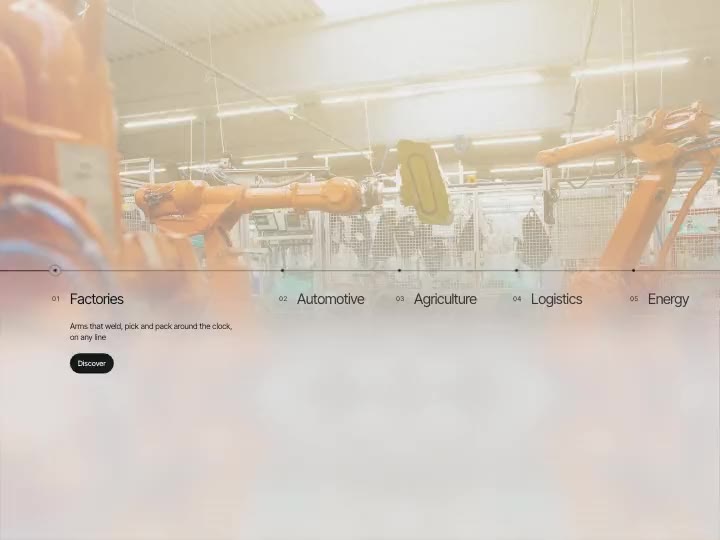
Everything in the library copies as a prompt for Claude Code: live shader backgrounds, text and image effects, interactive components and whole website sections. Pick a category to see what is in it.


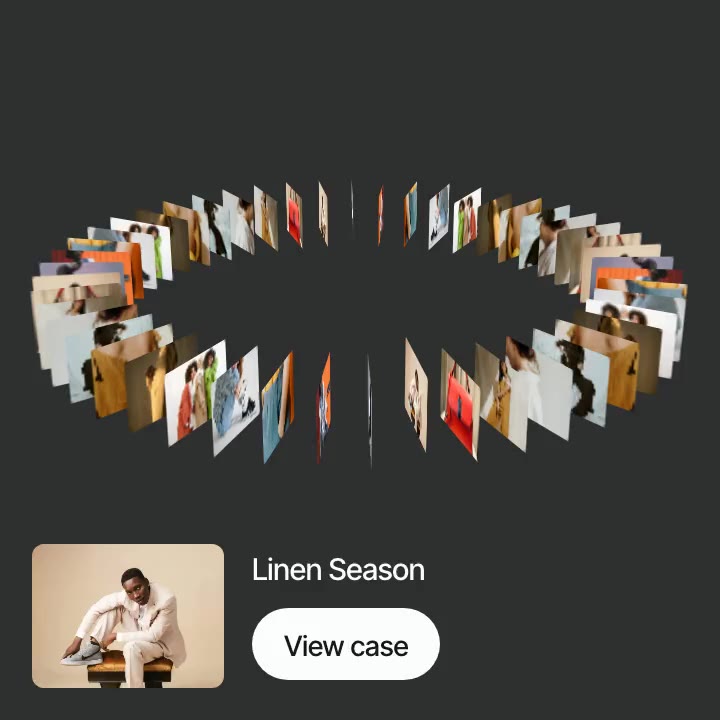
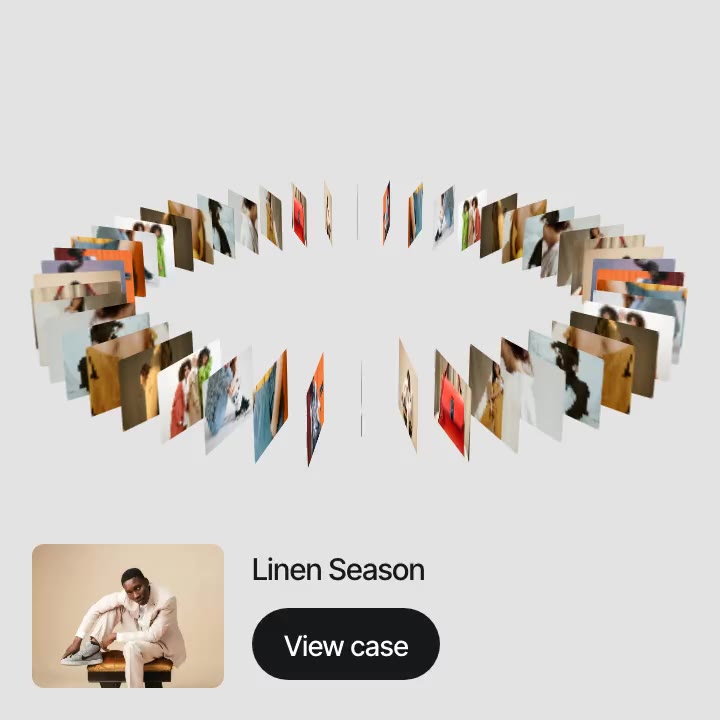
Shader backgrounds and gradients, patterns, text and image effects, 3D shapes and cursor effects, each one a component you can set behind a hero, a card or a whole page.


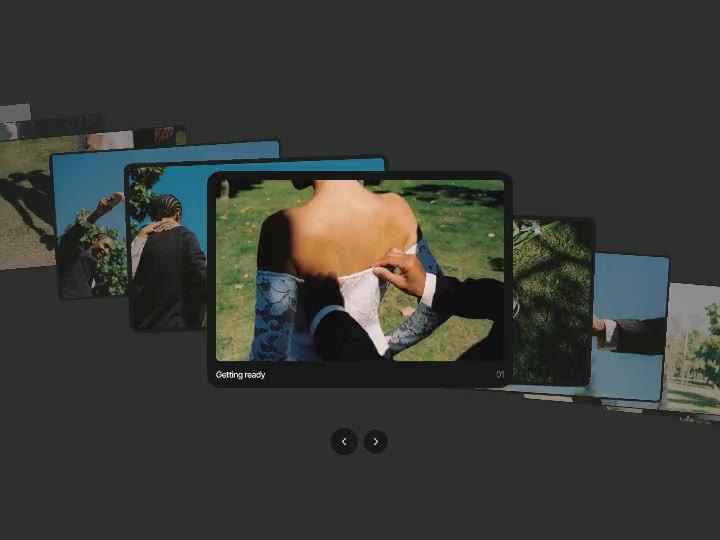
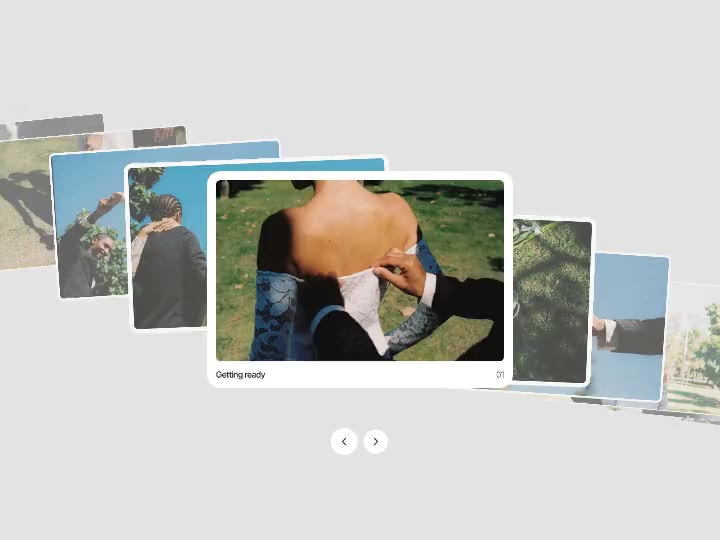
Buttons, menus, navigation, carousels and the small interactions that make a site feel made by hand.


Ready blocks for a landing page: heroes, galleries, testimonials, pricing, FAQ and footers, built to drop into a page and fill with your own content.
What people ask before they paste the first one.
Still have a question?
Write to us and a real person on our team will answer.