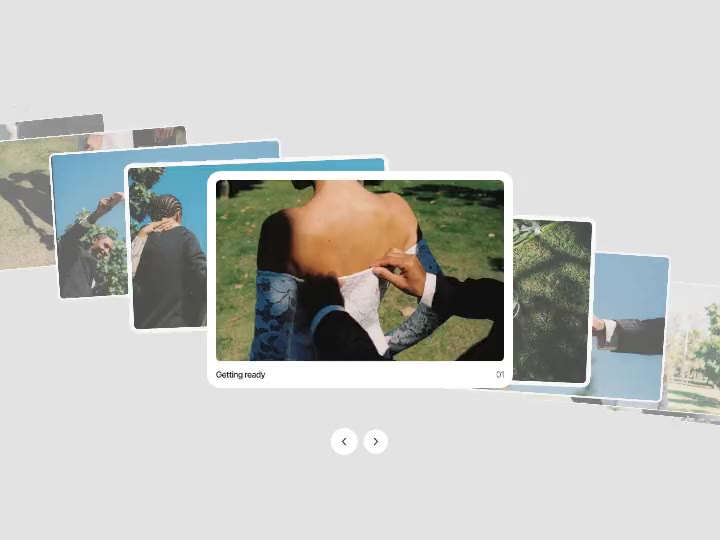
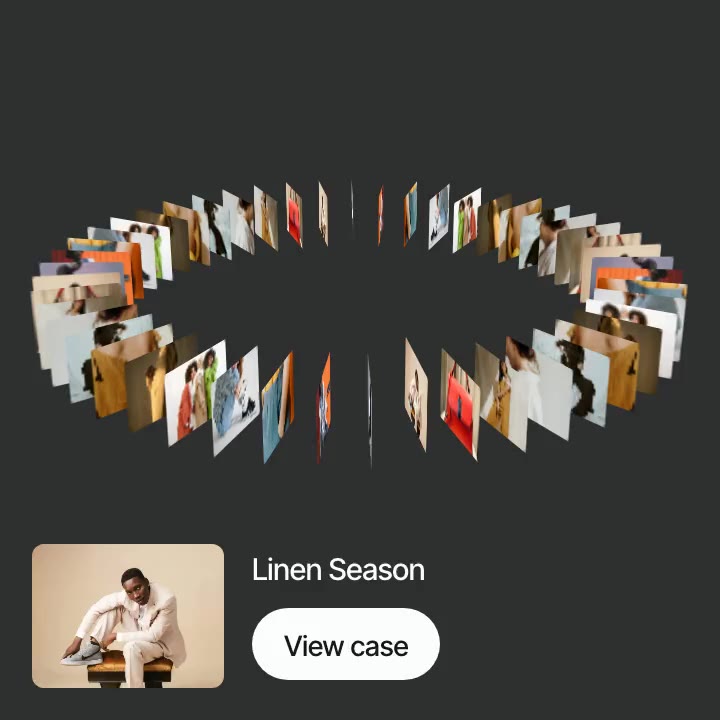
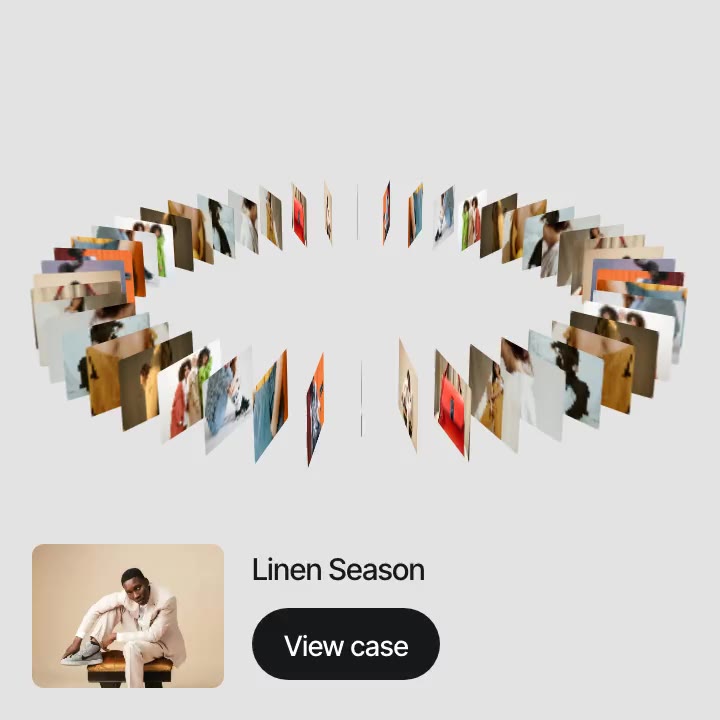
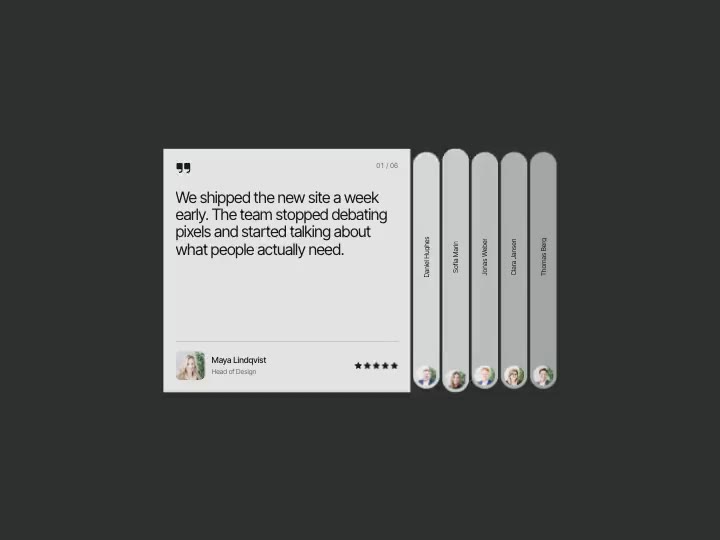
Work Sequence preview

Work Sequence
Open this page on a computer to tune the effect. You can still copy it with the default settings.
About Work Sequence
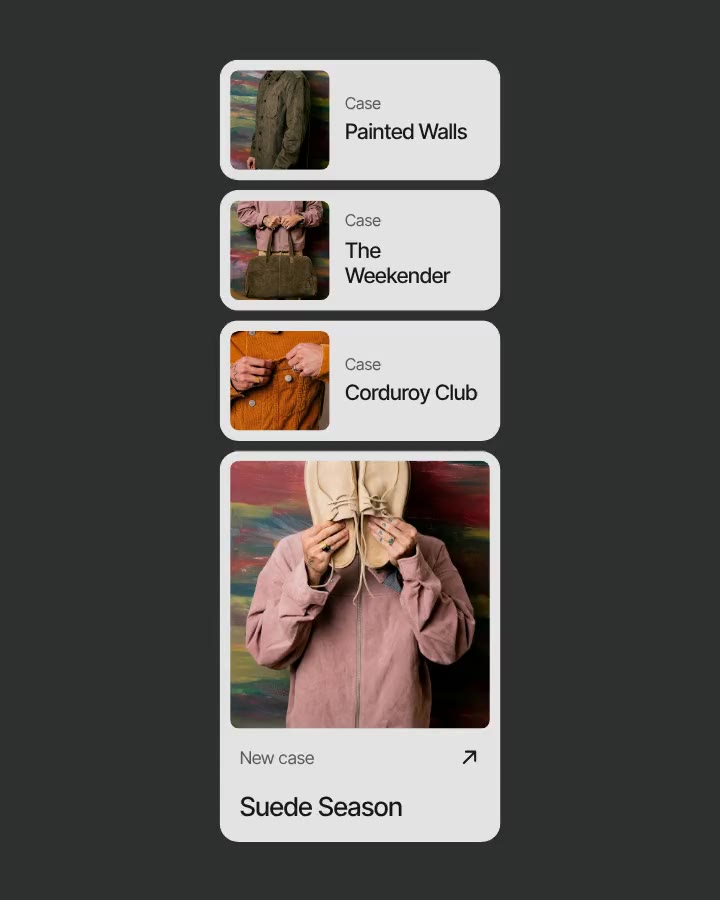
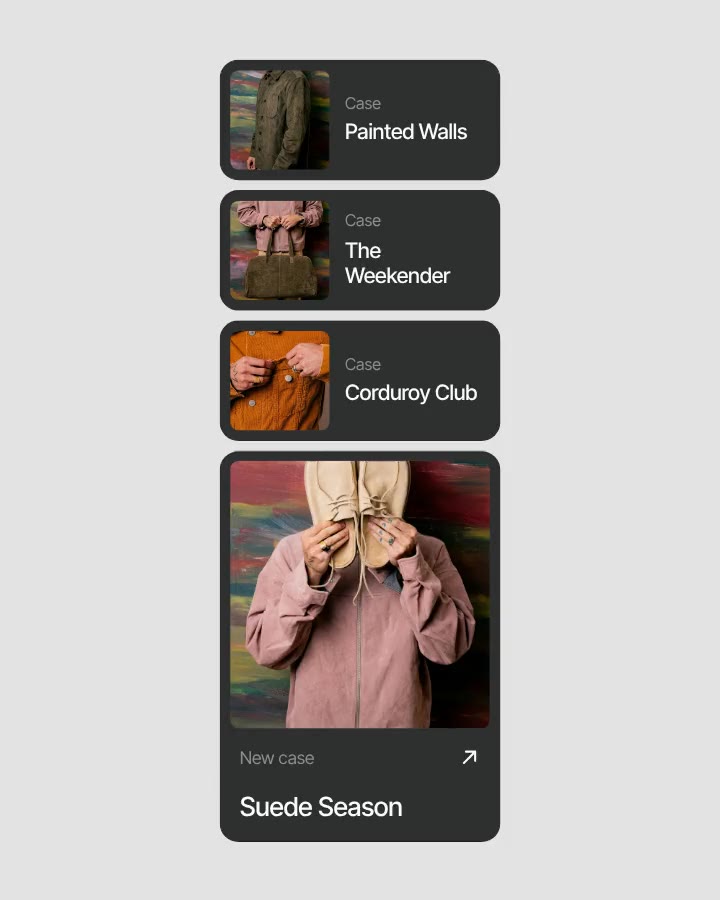
An architecture studio's index: every project's photos run one after another across the grid, 2 to 8 a row, each in its own shape, with the project's name and a running number below. Hover any photo and the other projects fade back, so one project reads as a whole.
What you can tune
- Content: Projects, Photos per row
- Colours: Page, Text, Labels
- Shape: Corner radius
- Motion: Other projects, Fade, Rise in, Easing
Where it works
Architecture, interior and design studio sites, photographers and agencies whose projects are told in several pictures each. All the work fits one index page, and a hover pulls one project out of it without opening a case study.
How to use it
- Tune it live on this page.
- Copy it for Figma, Framer or Webflow, or copy a prompt for Lovable, v0, Bolt, Cursor, Claude Code or Codex.
- Paste it. Your settings come with it.
Work Sequence comes with Sagely Pro.
 Figma
 Framer
 Webflow
 Lovable
 v0 by Vercel
 Bolt.new
 Claude Code
 Codex
 Cursor