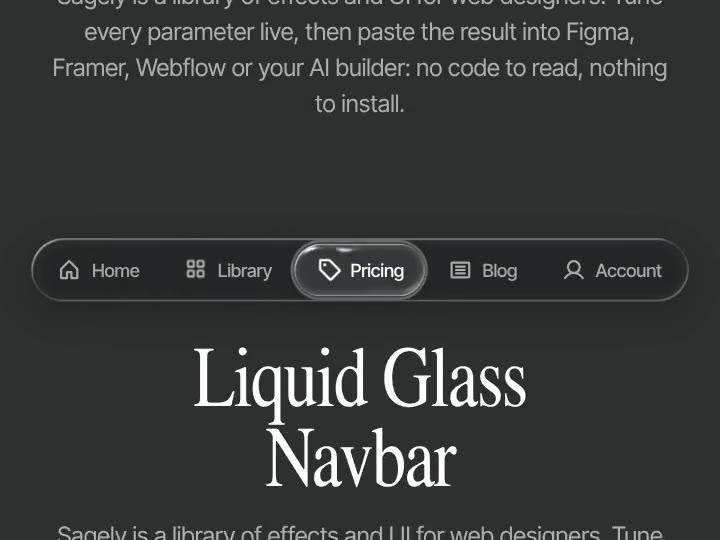
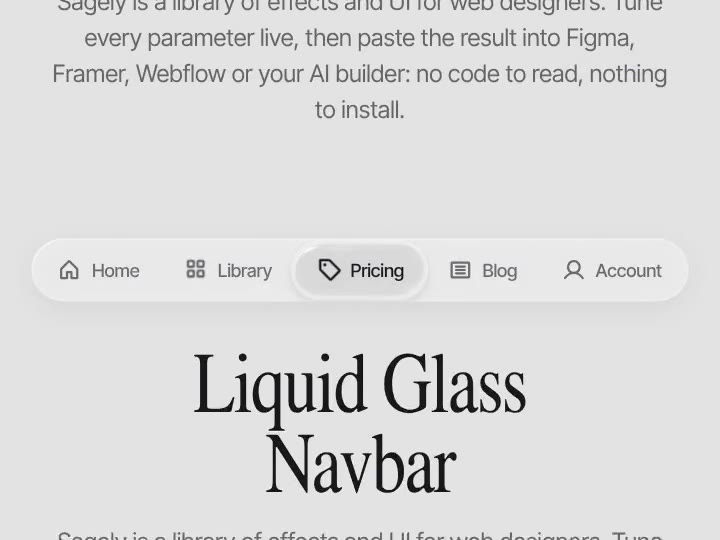
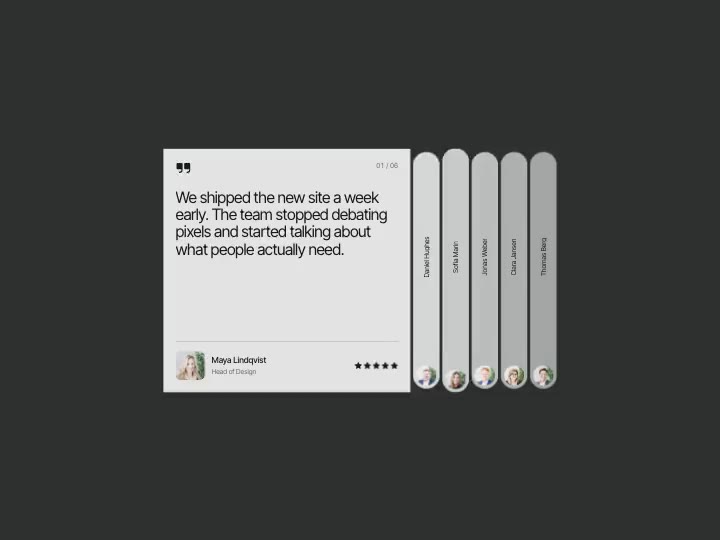
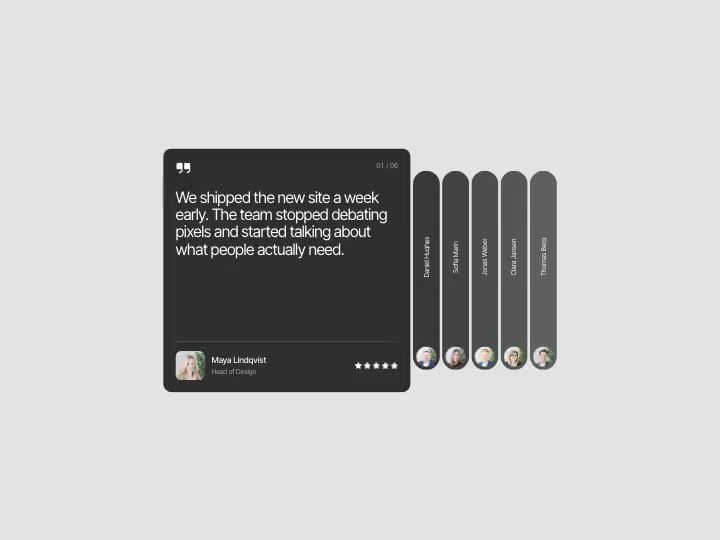
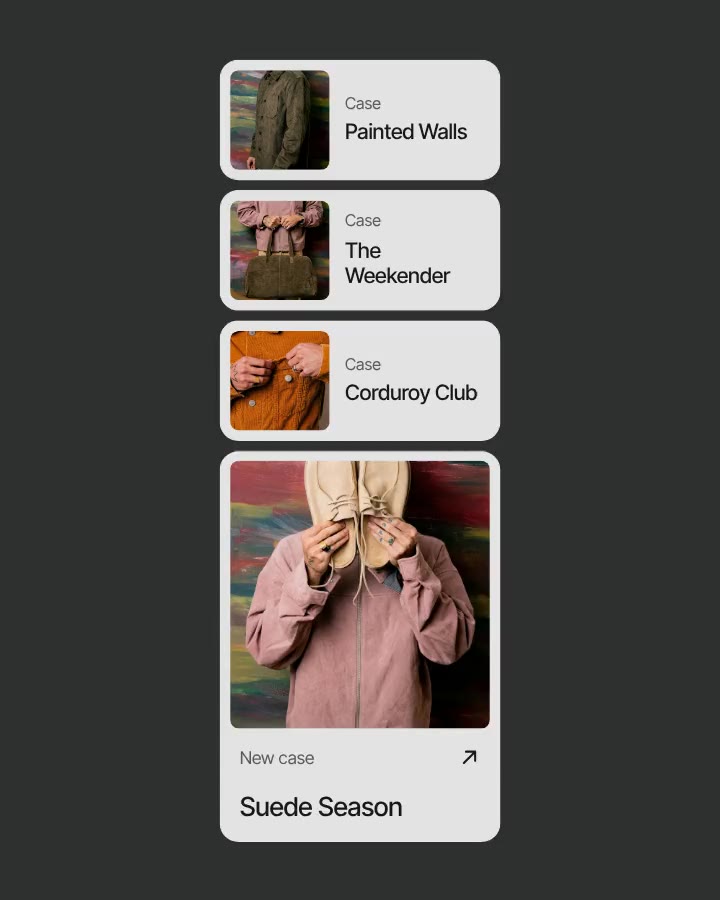
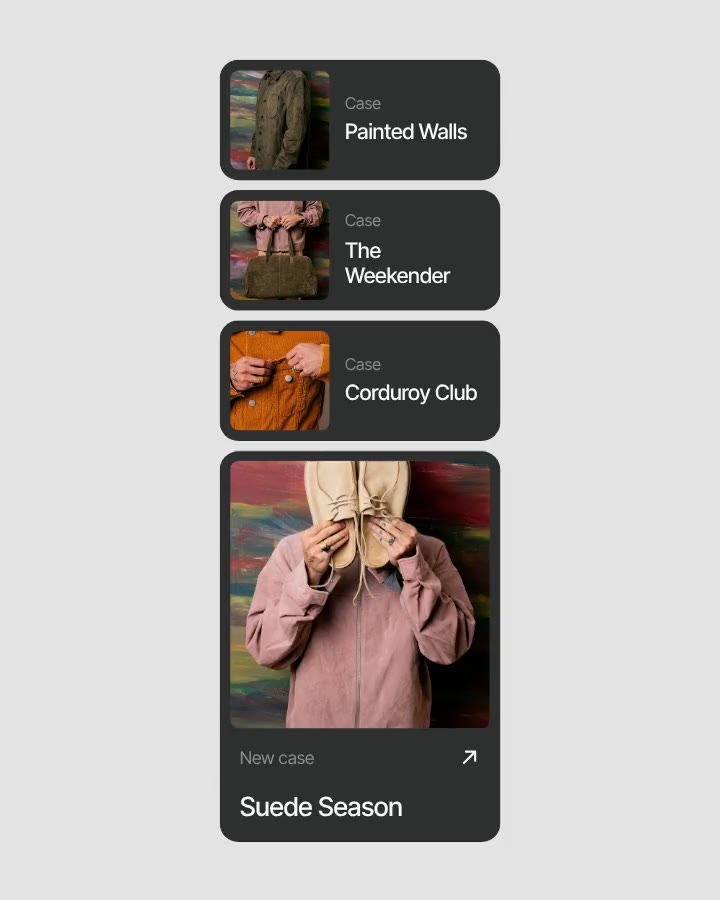
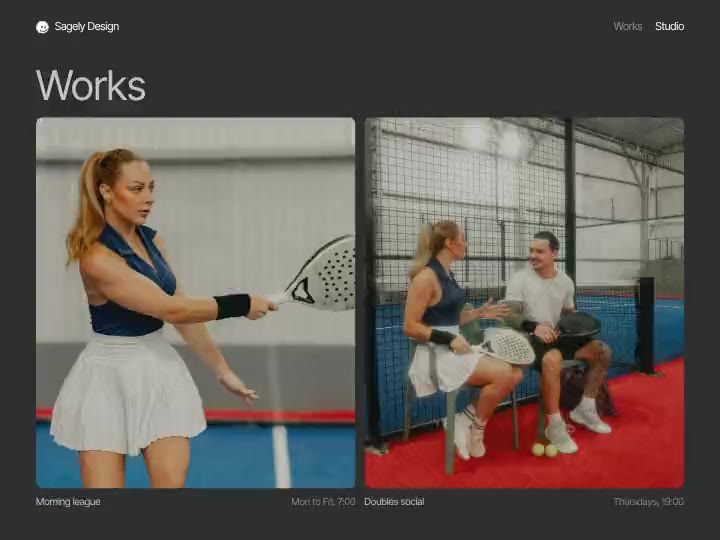
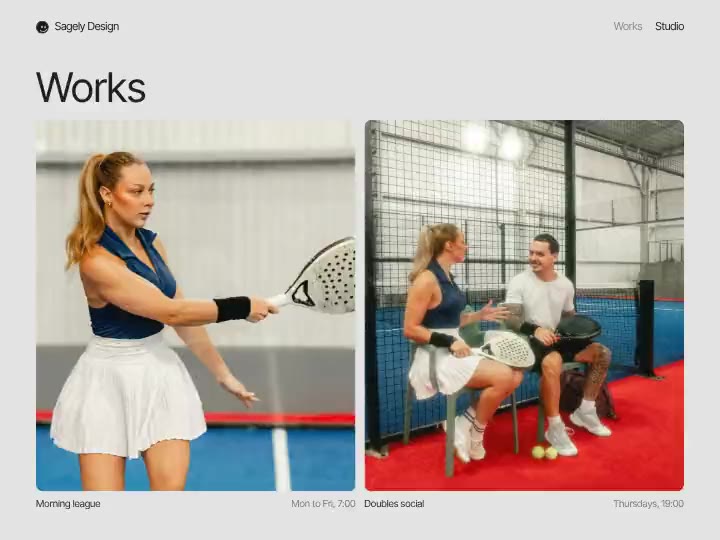
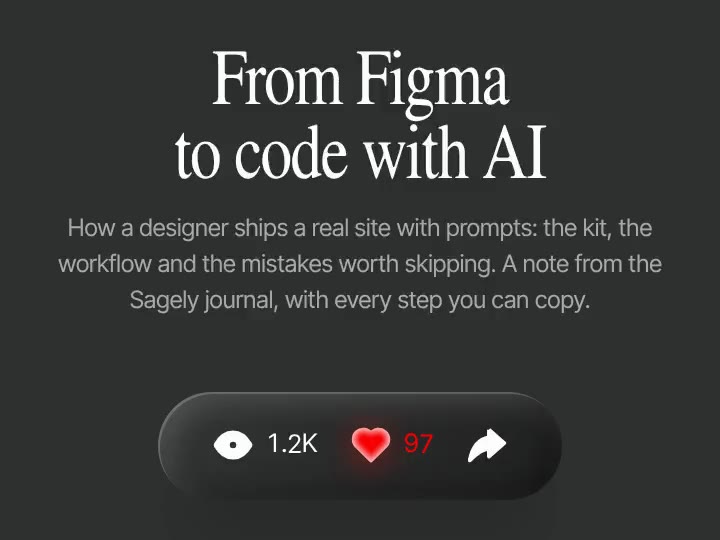
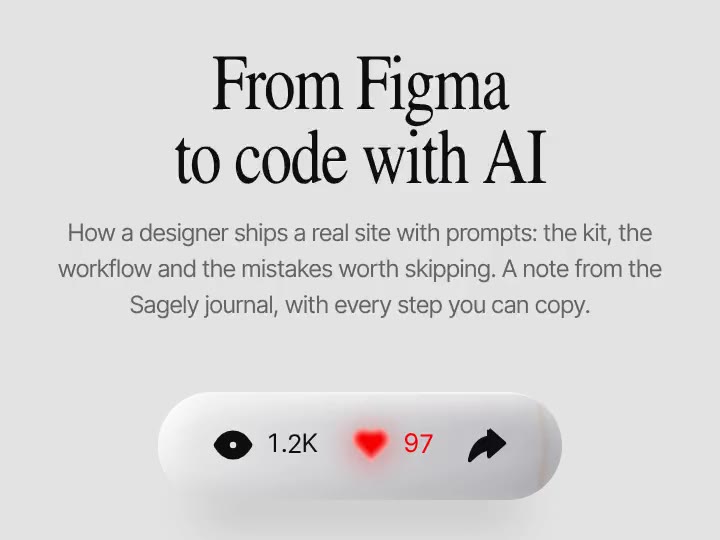
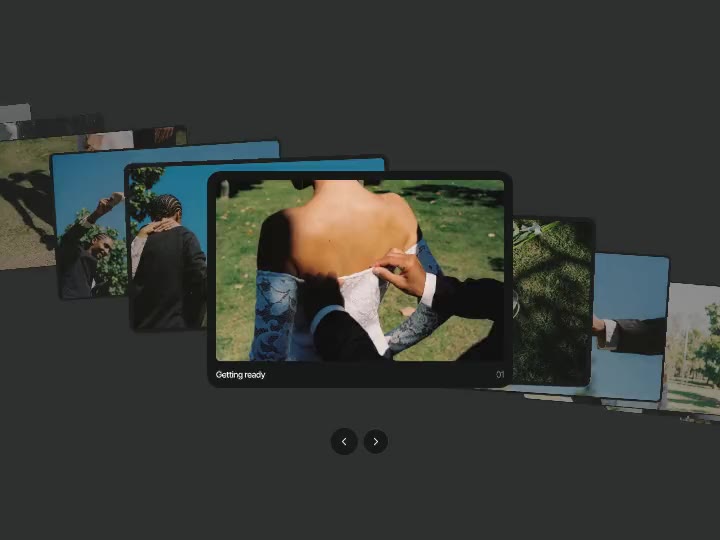
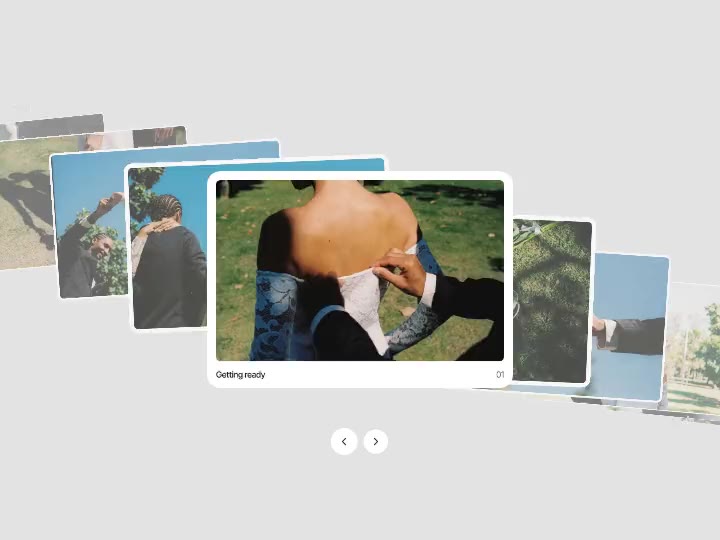
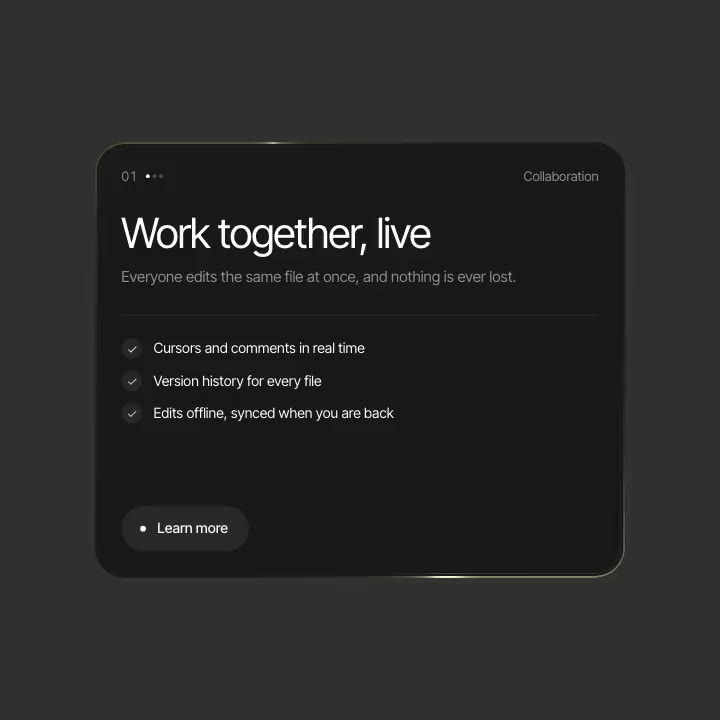
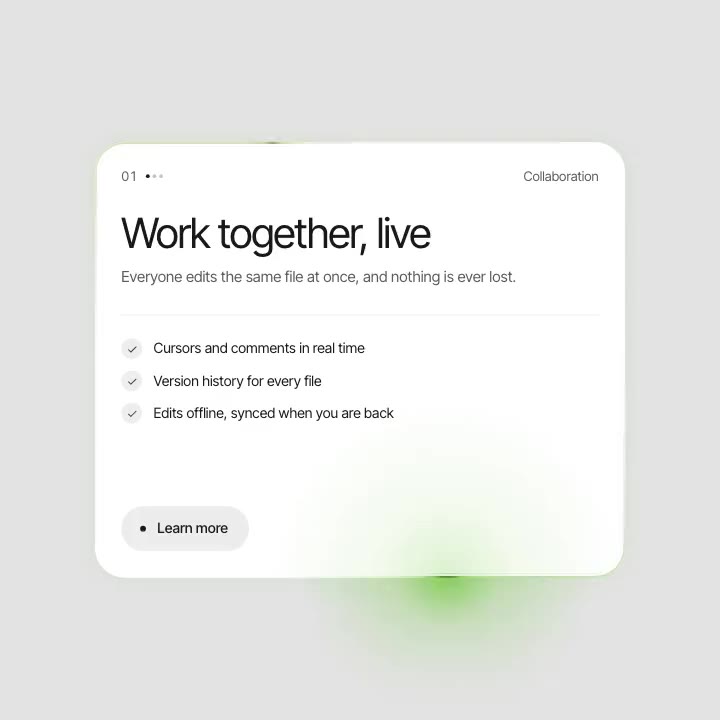
Tilt Menu preview

Navigation
Free
Tilt Menu
Open this page on a computer to tune the effect. You can still copy it with the default settings.
About Tilt Menu
A full-screen menu that sends the page back: it drops and tips away in perspective onto a dark stage while the links rise in. Pick one and the next page slides up as a card, then straightens out to fill the screen.
What you can tune
- Items: Pages, Brand
- Colours: Menu, Links, Page, Page text
- Tilt: Drop, Tilt, Scale, Corners
- Motion: Speed, Easing
Where it works
Portfolio, studio and brand sites with a handful of pages, where the menu is part of the show. The next page arrives as a card and settles into place, so moving between pages feels like one piece.
How to use it
- Tune it live on this page.
- Copy it for Figma, Framer or Webflow, or copy a prompt for Lovable, v0, Bolt, Cursor, Claude Code or Codex.
- Paste it. Your settings come with it.
Tilt Menu is free with a Sagely account.