FAQ Chat preview

FAQ
Pro
FAQ Chat
Open this page on a computer to tune the effect. You can still copy it with the default settings.
About FAQ Chat
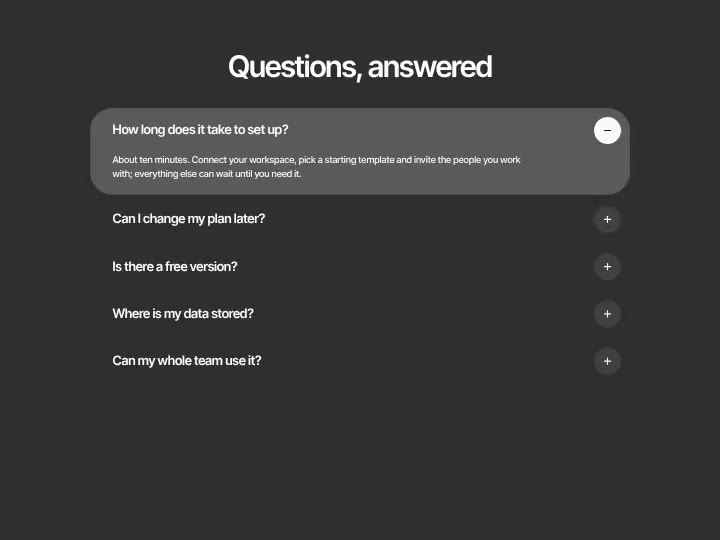
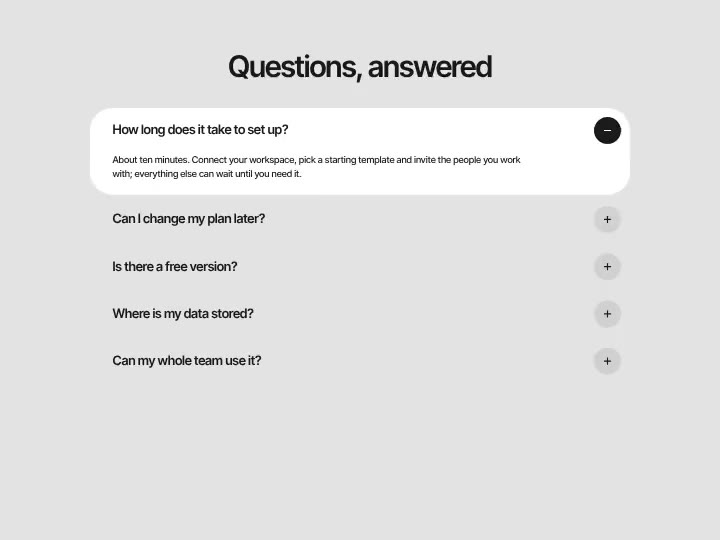
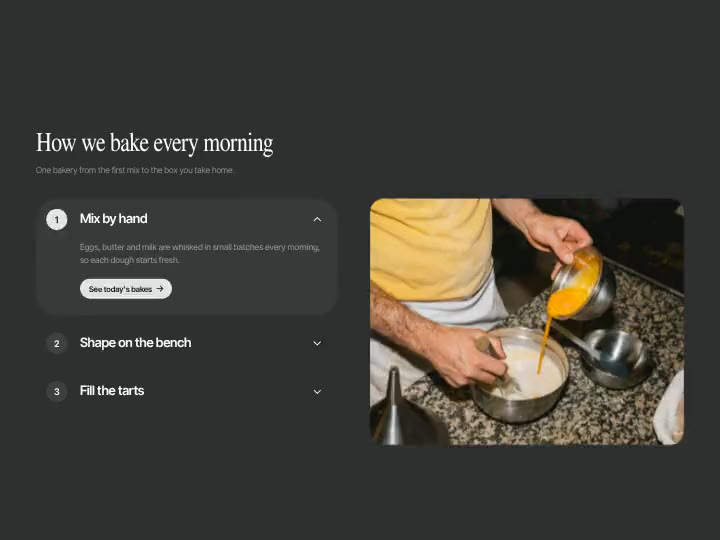
A FAQ section that reads like a chat. The questions are bubbles on the left; click one and the answer pops up on the right beside the answerer's photo, types for a moment with three dots and grows into the full text while the bubbles below glide down. Set the questions, layout, photo and colours.
What you can tune
- Content: Heading, Text, Layout
- Questions: Questions, Open at start, Several open, Answer
- Answerer: Photo, Avatar, Name, Typing dots, Typing for
- Colours: Page, Questions, Open question, Text, Line, Answers
Where it works
Studios, freelancers, SaaS and online schools whose FAQ should sound like a person, not a legal page. Each answer arrives like a reply in a chat, with a face beside it, so the section feels like talking to the team.
How to use it
- Tune it live on this page.
- Copy it for Figma, Framer or Webflow, or copy a prompt for Lovable, v0, Bolt, Cursor, Claude Code or Codex.
- Paste it. Your settings come with it.
FAQ Chat comes with Sagely Pro.
 Figma
 Framer
 Webflow
 Lovable
 v0 by Vercel
 Bolt.new
 Claude Code
 Codex
 Cursor