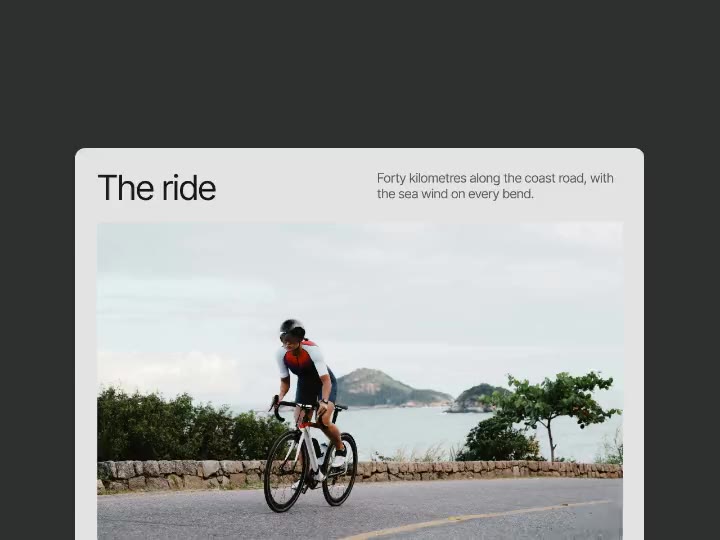
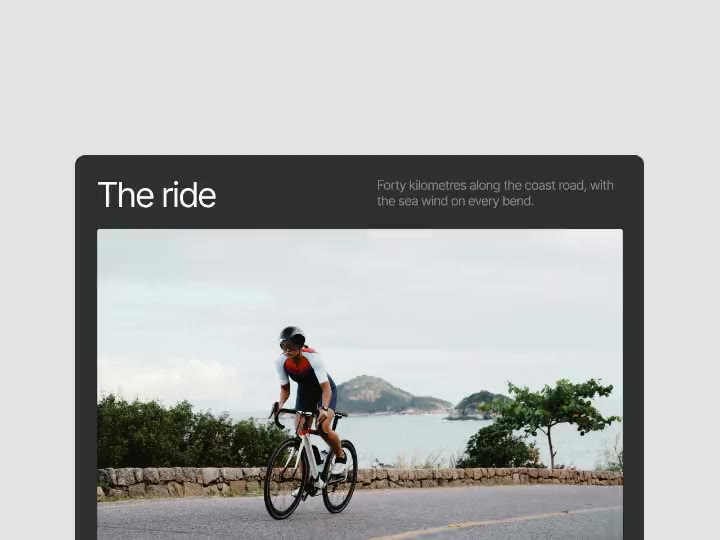
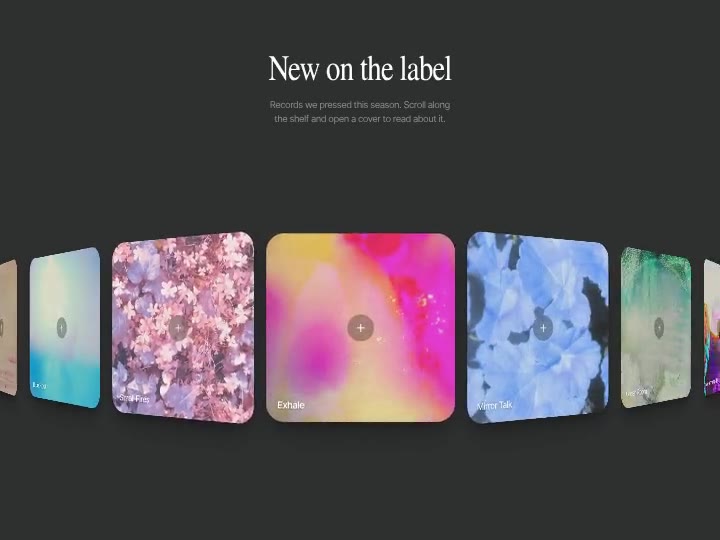
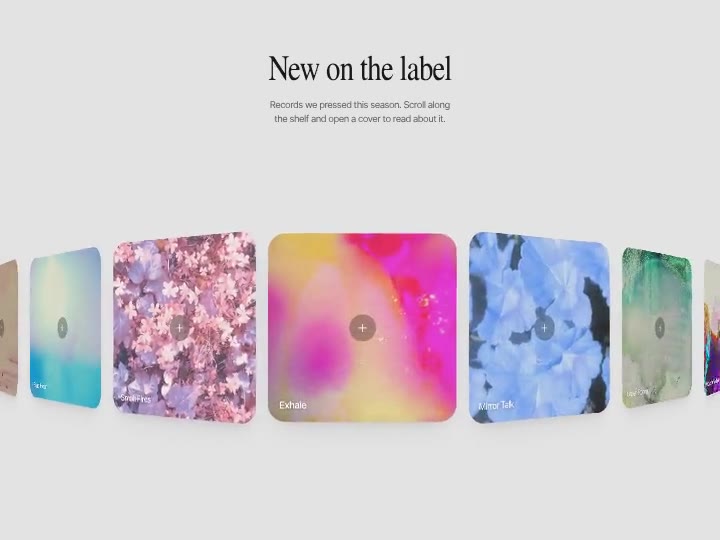
Curved Gallery preview

Curved Gallery
Open this page on a computer to tune the effect. You can still copy it with the default settings.
About Curved Gallery
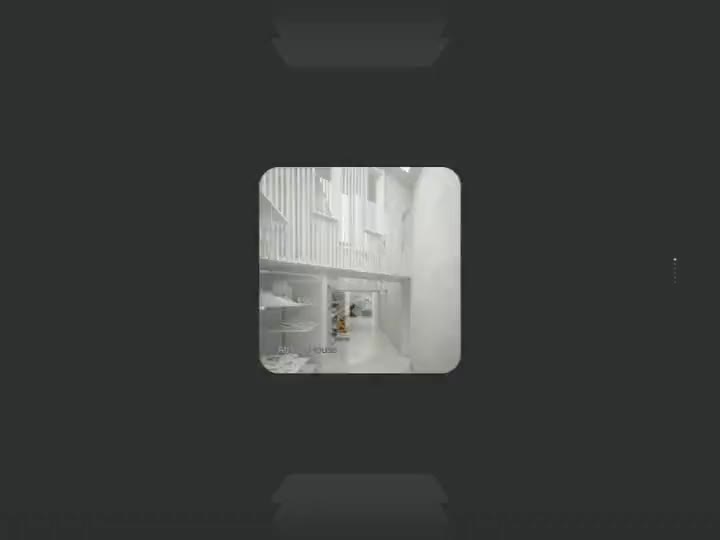
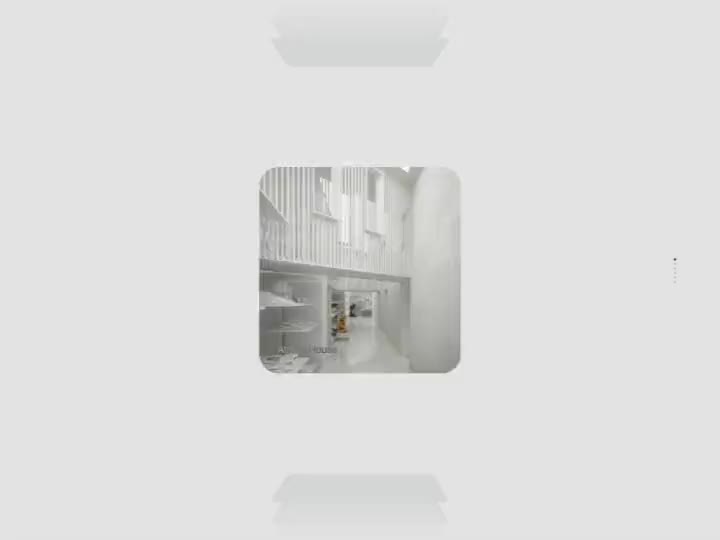
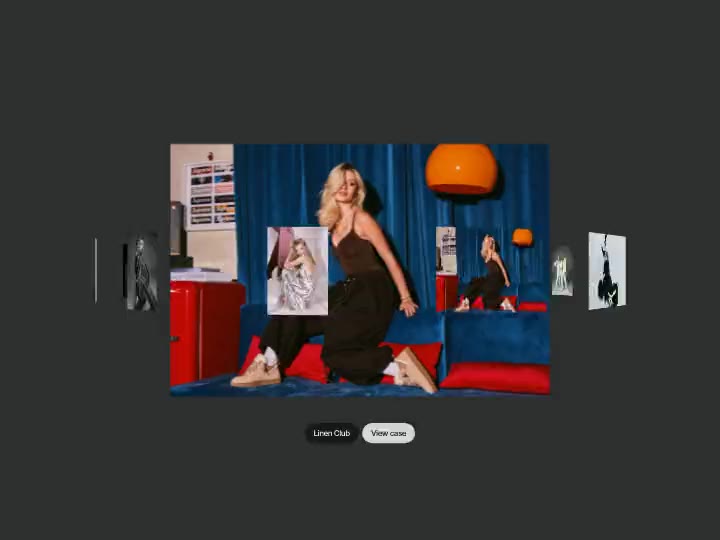
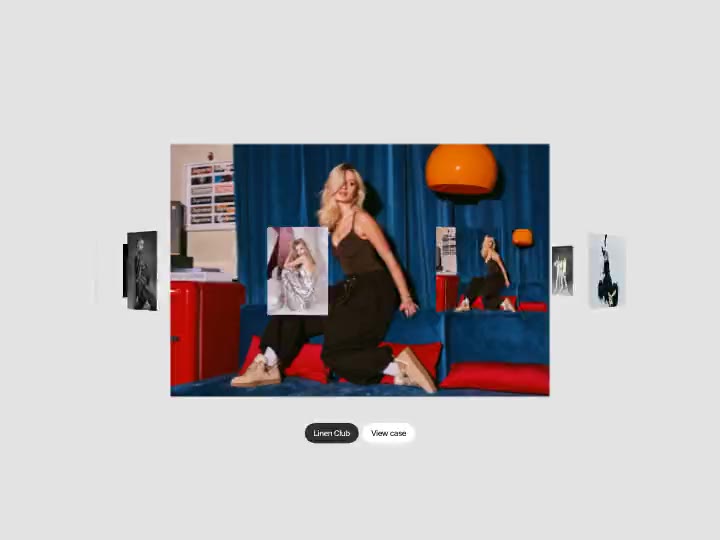
A section with a heading and a button over an endless row of photos that curves around the visitor, flat in the middle and turning toward you at the sides. It drifts by itself, a drag or a throw moves it, and the sides look through a lens that bends the cards and splits their colours.
What you can tune
- Content: Heading, Text, Button, Link, Hint
- Photos: Photos
- Row: Cards across, Card size, Card height, Curve, Corners, Card edge
- Lens: Bend, Reach, Colour split, Side blur
- Colours: Page, Heading, Text
- Motion: Drift, Direction, Throw, Pause on hover
Where it works
Shops, lookbooks, photographers and studios with a lot of pictures to show at once. The row keeps moving on its own, so a whole collection passes by in seconds, and the lens at the sides makes a plain set of photos feel like a place.
How to use it
- Tune it live on this page.
- Copy it for Figma, Framer or Webflow, or copy a prompt for Lovable, v0, Bolt, Cursor, Claude Code or Codex.
- Paste it. Your settings come with it.
Curved Gallery comes with Sagely Pro.
 Figma
 Framer
 Webflow
 Lovable
 v0 by Vercel
 Bolt.new
 Claude Code
 Codex
 Cursor