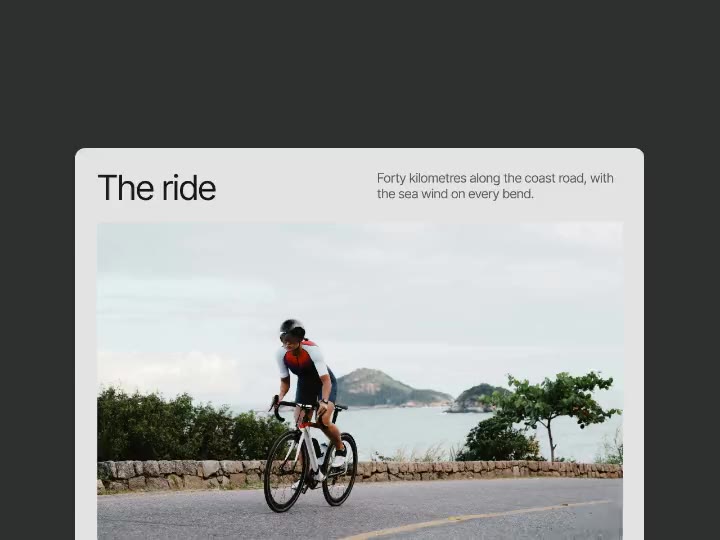
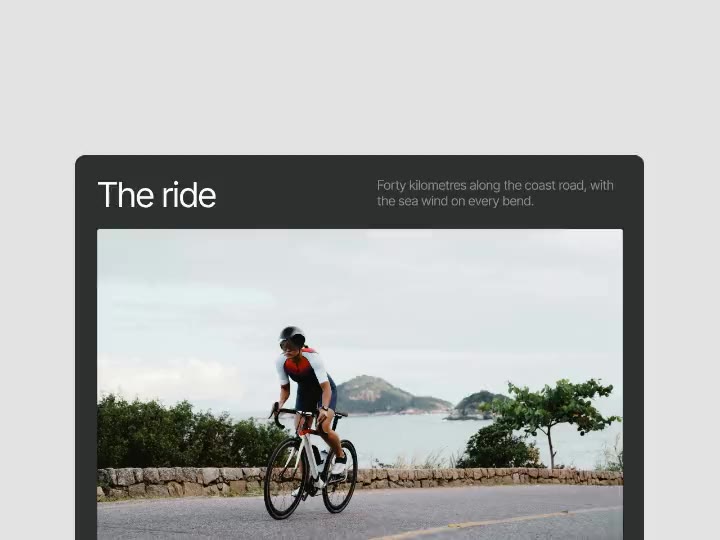
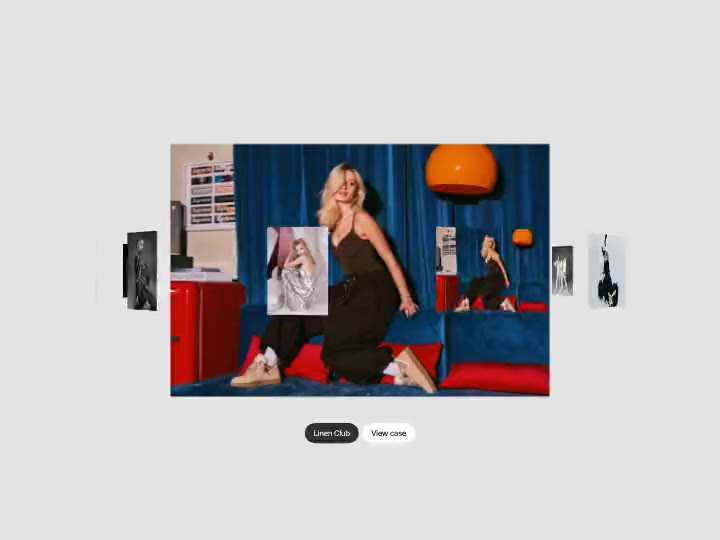
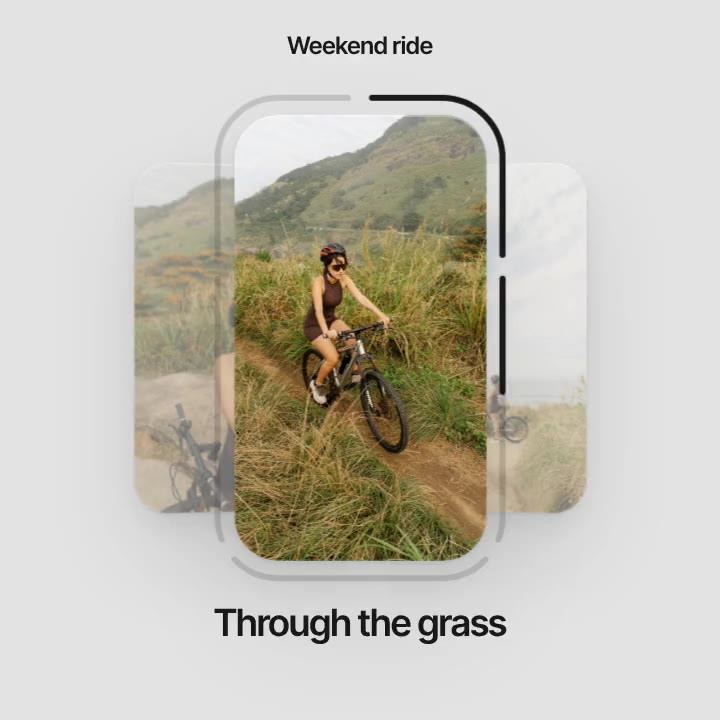
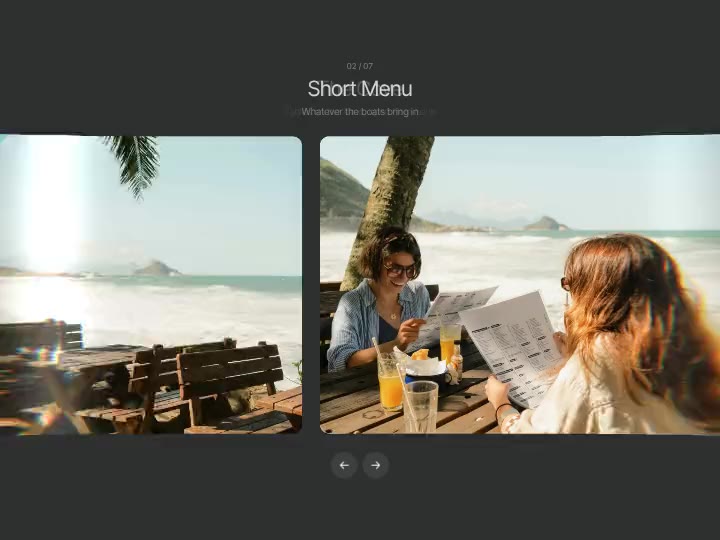
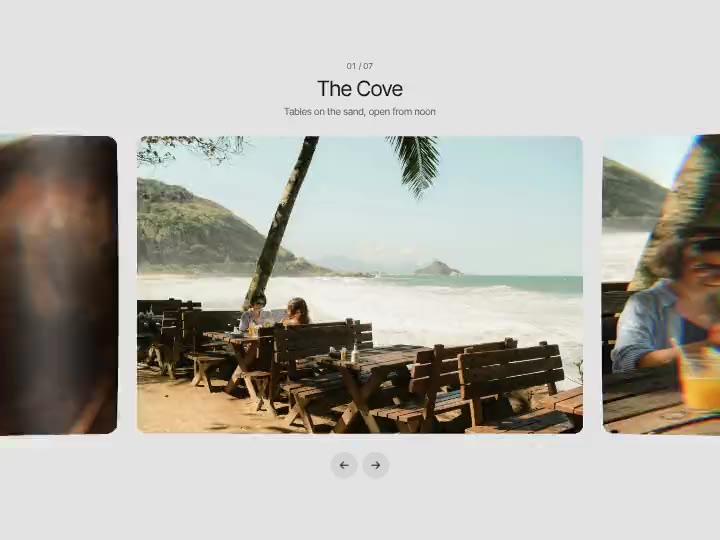
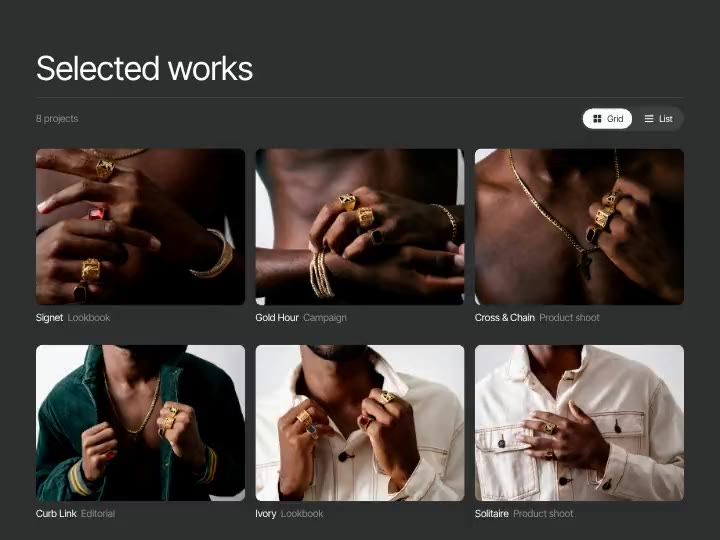
Post Carousel preview

Post Carousel
Open this page on a computer to tune the effect. You can still copy it with the default settings.
About Post Carousel
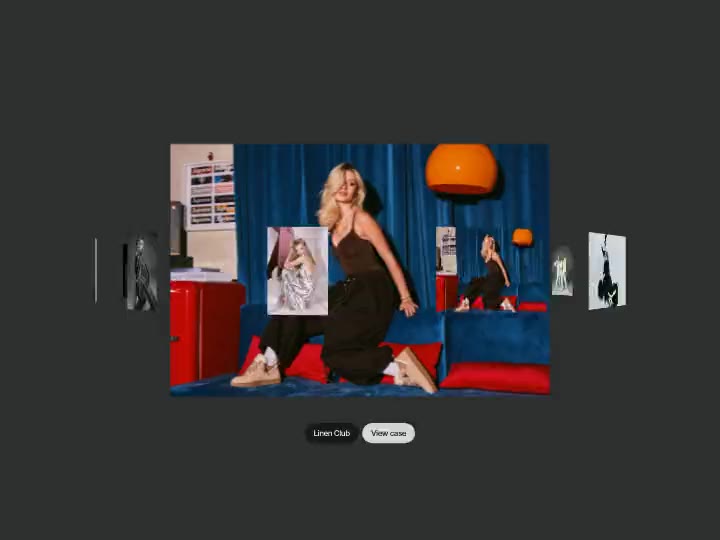
A social post card with a photo carousel inside: swipe, throw, click the arrows or the dots, and the next photo comes forward from behind the card's edge while the last one shrinks back to the side. Put in your own photos or videos, name, place and caption; a double click likes the post.
What you can tune
- Post: Name, Avatar, Place, Caption, Likes
- Layout: Photo shape, Card height, Corners, Show neighbours, Neighbour size, Neighbour opacity
- Colours: Page, Card, Text, Secondary, Like
- Motion: Step, Easing
- Photos: Photos
Where it works
Social media work in a portfolio, a creator's or a brand's page, or a case study about a campaign. The post is familiar at a glance, and visitors can swipe through up to seven photos and like it with a double click.
How to use it
- Tune it live on this page.
- Copy it for Figma, Framer or Webflow, or copy a prompt for Lovable, v0, Bolt, Cursor, Claude Code or Codex.
- Paste it. Your settings come with it.
Post Carousel is free with a Sagely account.