Compare Hero preview

Hero
Pro
Compare Hero
Open this page on a computer to tune the effect. You can still copy it with the default settings.
About Compare Hero
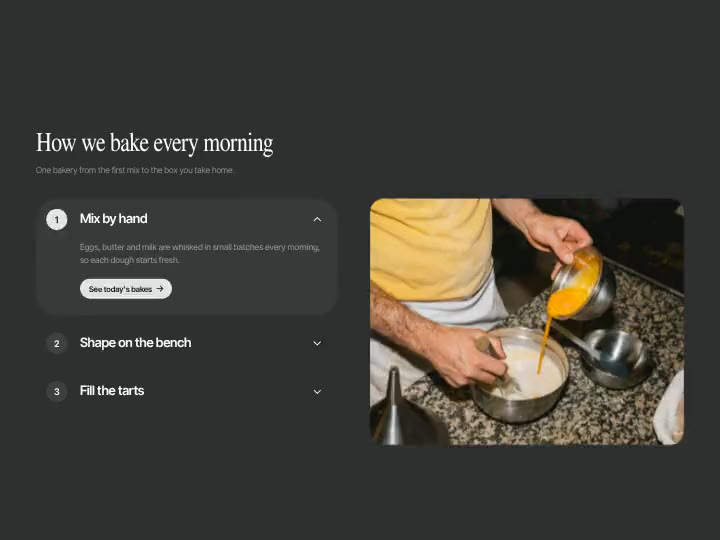
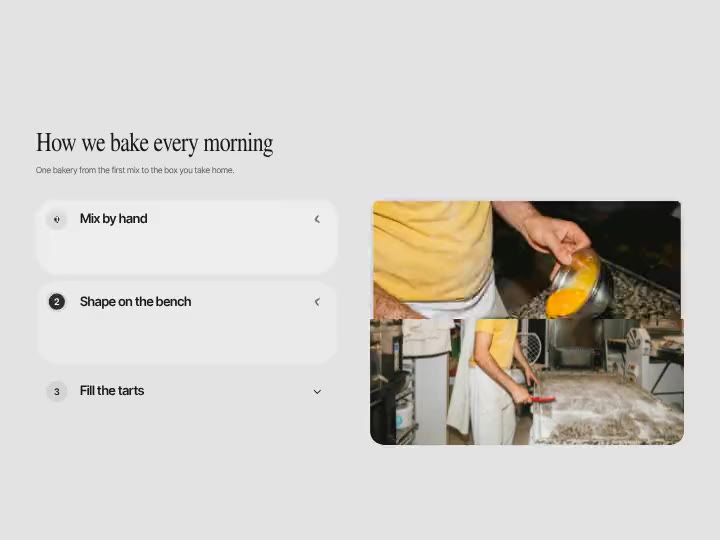
A first screen with one photo in two states: heading, text, a button and three facts on the left, the picture on the right cut by a line you drag up and down. The line is jelly, so a quick pull bends it and the edge of the picture bends with it. Swap both photos and every label.
What you can tune
- Text: Heading, Text, Button, Value
- Picture: Top picture, Bottom picture, Top tag, Bottom tag, Corners, Idle hint
- Colours: Page, Tags, Text, Muted, Button and line, Button text
Where it works
Retouching, colour grading, renovation, landscaping, cleaning and restoration sites whose work is best shown as a change. Visitors pull the line themselves and see the difference in one picture, right on the first screen.
How to use it
- Tune it live on this page.
- Copy it for Figma, Framer or Webflow, or copy a prompt for Lovable, v0, Bolt, Cursor, Claude Code or Codex.
- Paste it. Your settings come with it.
Compare Hero comes with Sagely Pro.
 Figma
 Framer
 Webflow
 Lovable
 v0 by Vercel
 Bolt.new
 Claude Code
 Codex
 Cursor