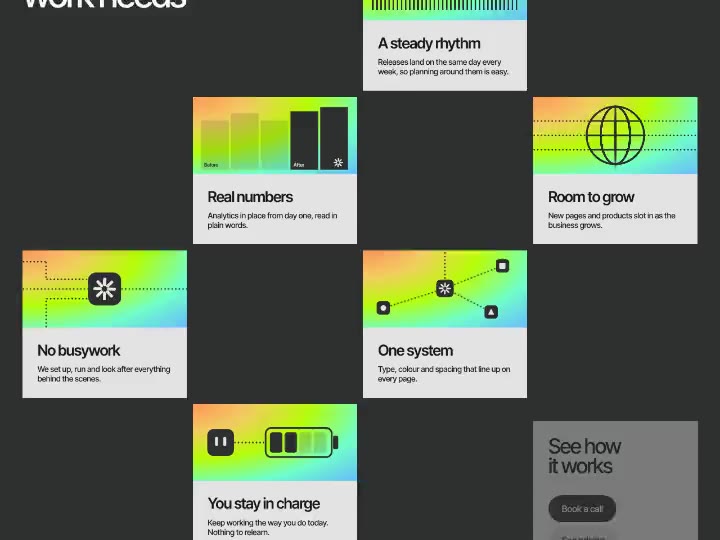
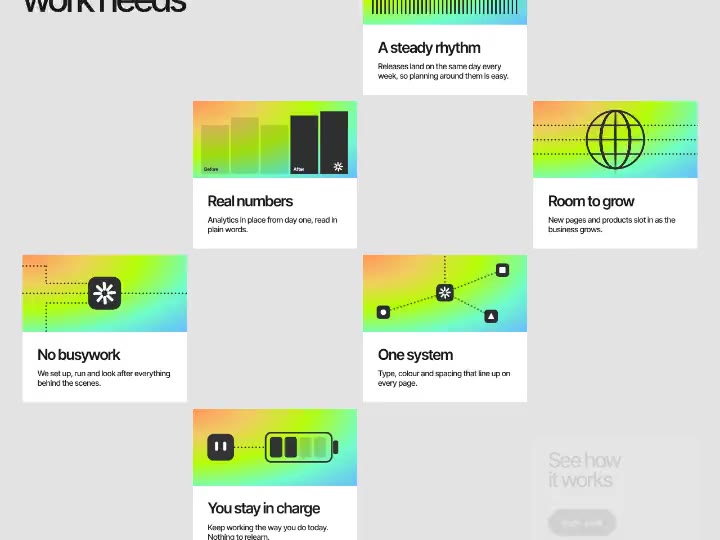
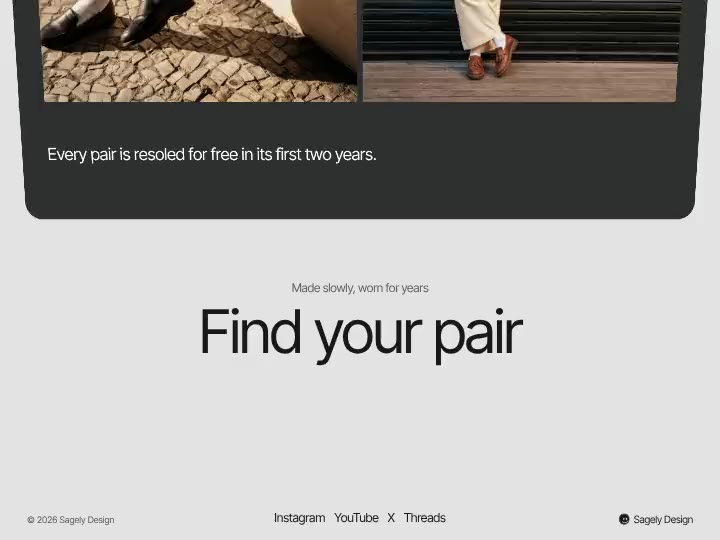
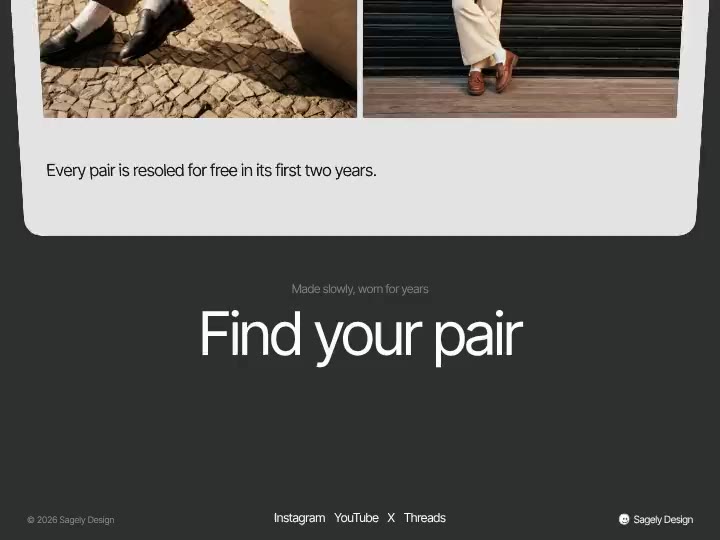
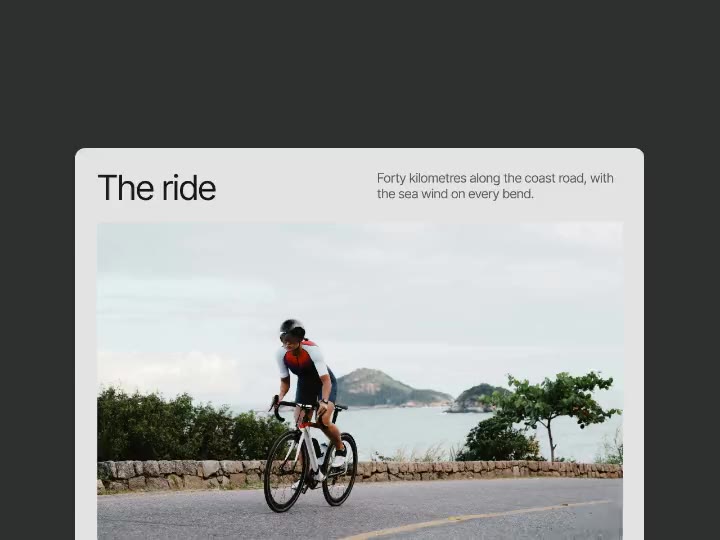
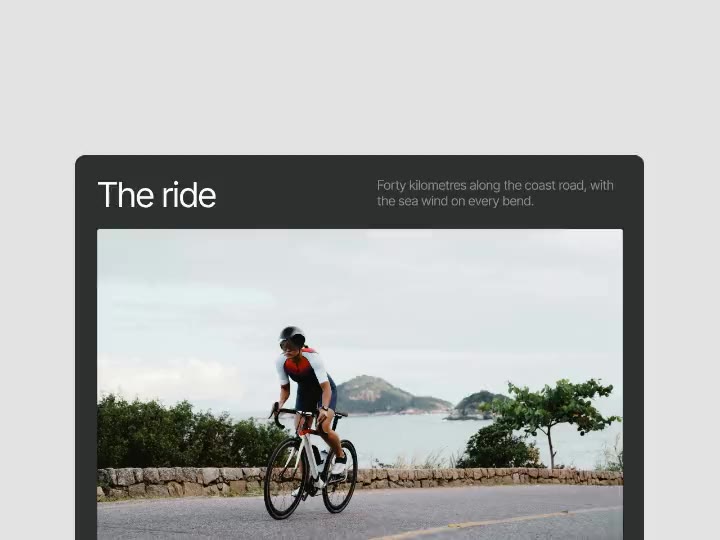
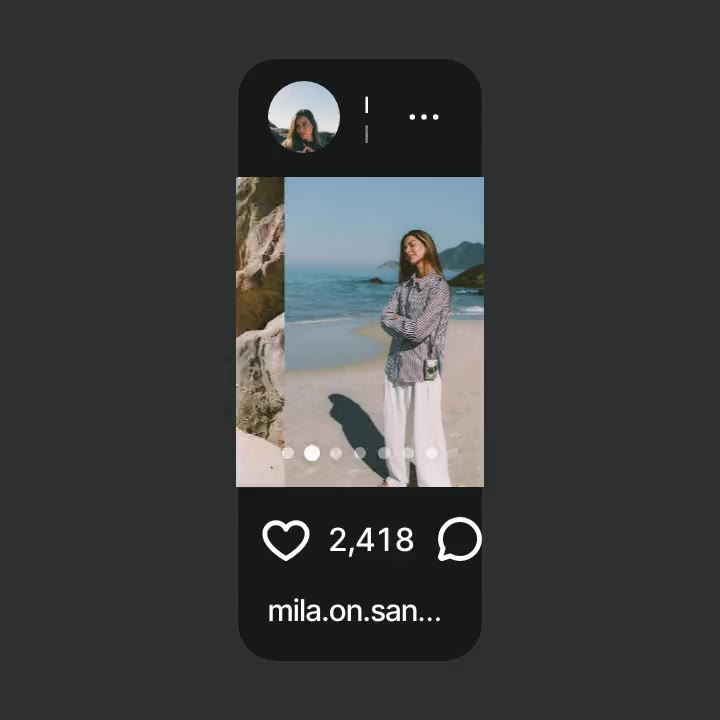
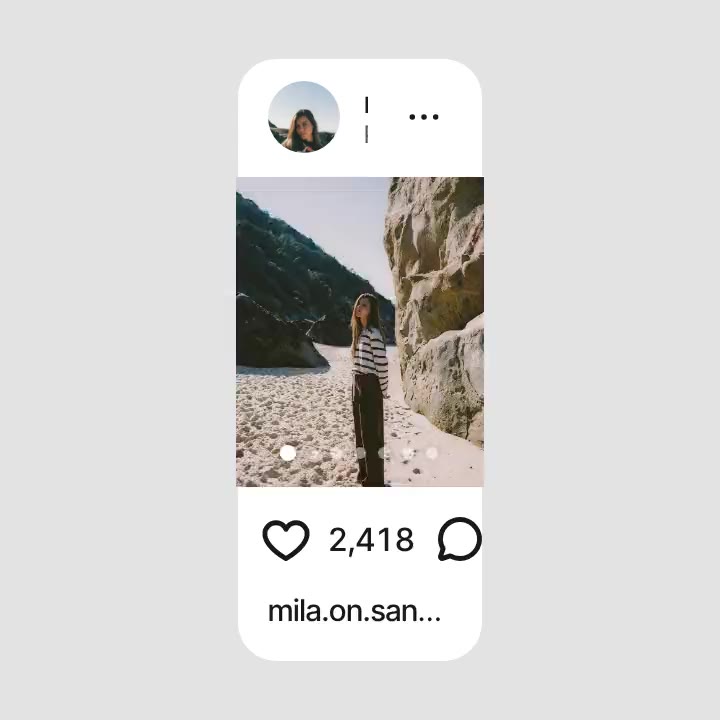
Photo Tunnel preview

Hero
$5orPro
Photo Tunnel
Open this page on a computer to tune the effect. You can still copy it with the default settings.
About Photo Tunnel
A first screen inside a square corridor: photos sit in a thin grid on the walls and fly toward the viewer without end, the far end melting into fog in the page colour. Scroll speeds the flight, the cursor turns the camera. Retype the heading, text and button, swap up to 15 photos.
What you can tune
- Content: Heading, Text, Button
- Tunnel: Speed, Fog, Grid lines, Photo corners, Photo brightness, Veil behind text
- Colours: Page and fog, Heading and grid, Text, Button, Button text
- Photos: Photos
Where it works
First screens for photographers, studios, travel and event brands, any site with a large archive of pictures. The corridor keeps up to fifteen photos moving behind your heading and button.
How to use it
- Tune it live on this page.
- Copy it for Figma, Framer or Webflow, or copy a prompt for Lovable, v0, Bolt, Cursor, Claude Code or Codex.
- Paste it. Your settings come with it.
Photo Tunnel is $5 on its own, or comes with Sagely Pro.