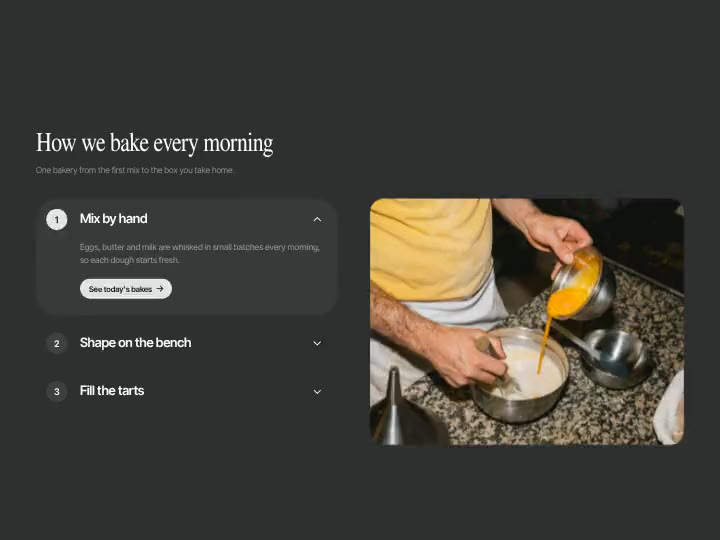
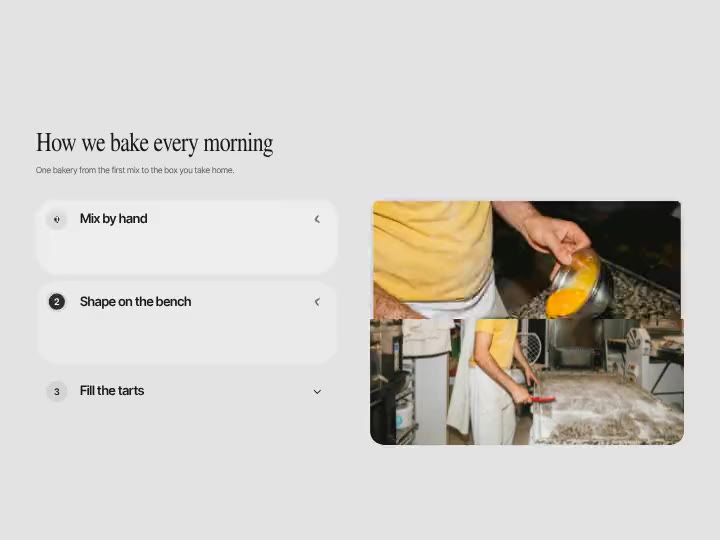
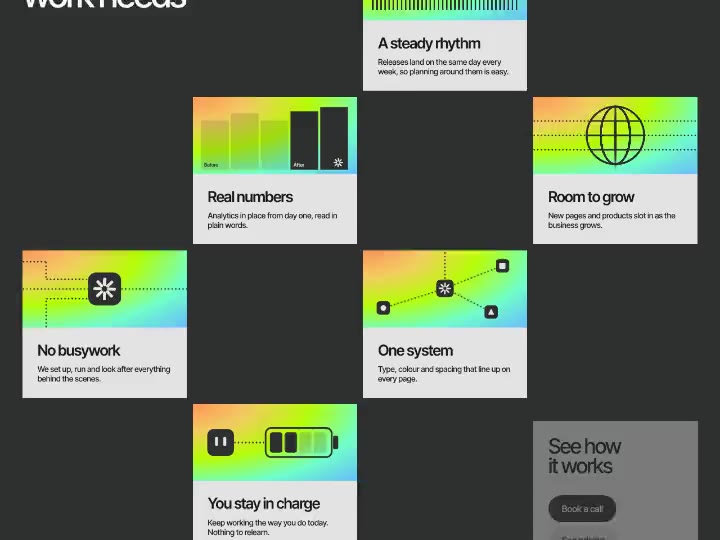
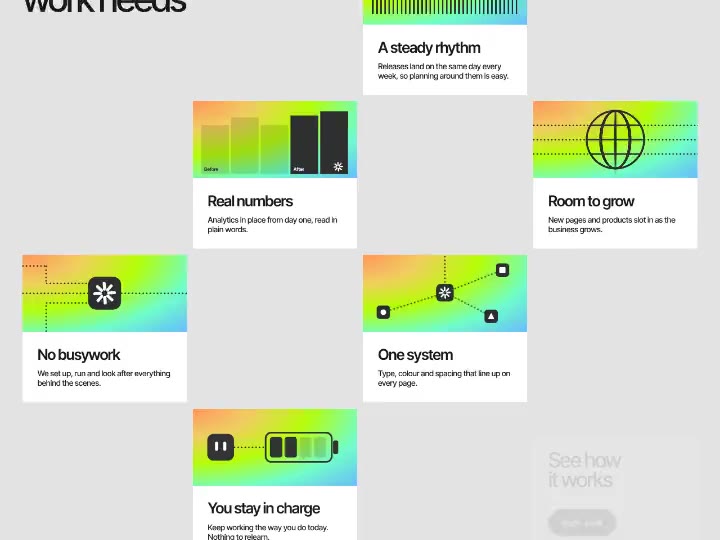
Launch Timeline preview

Features
Pro
Launch Timeline
Open this page on a computer to tune the effect. You can still copy it with the default settings.
About Launch Timeline
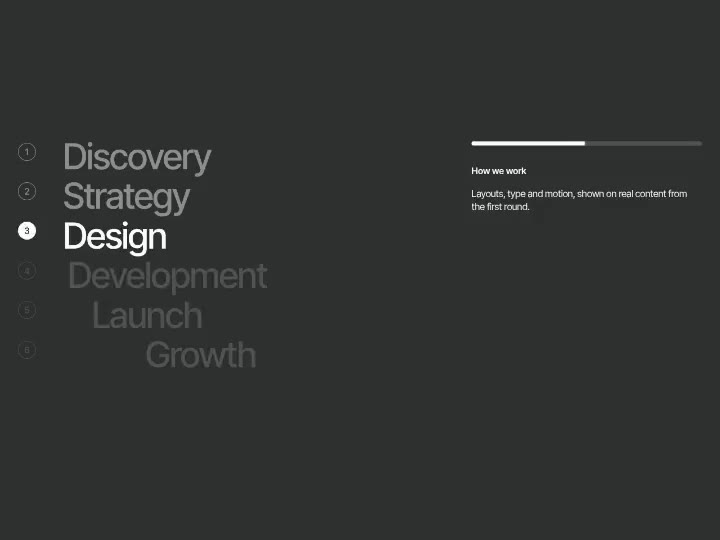
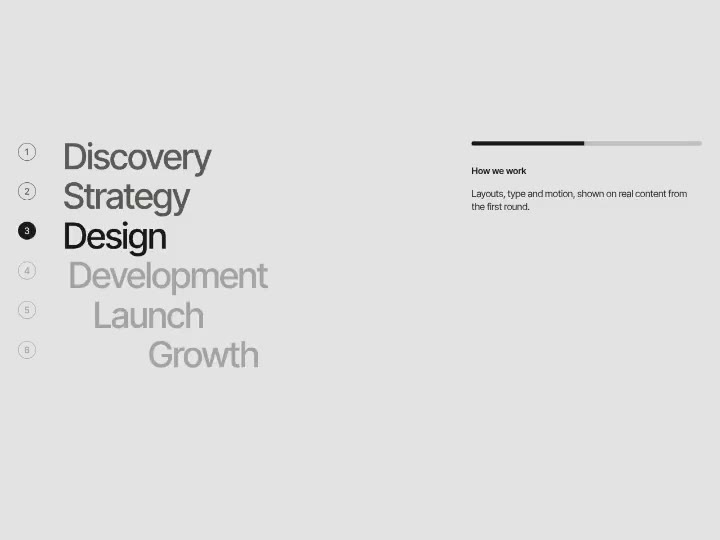
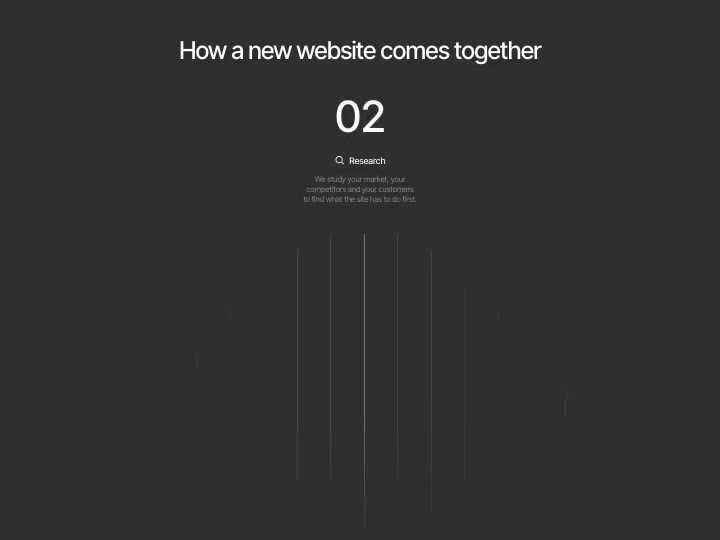
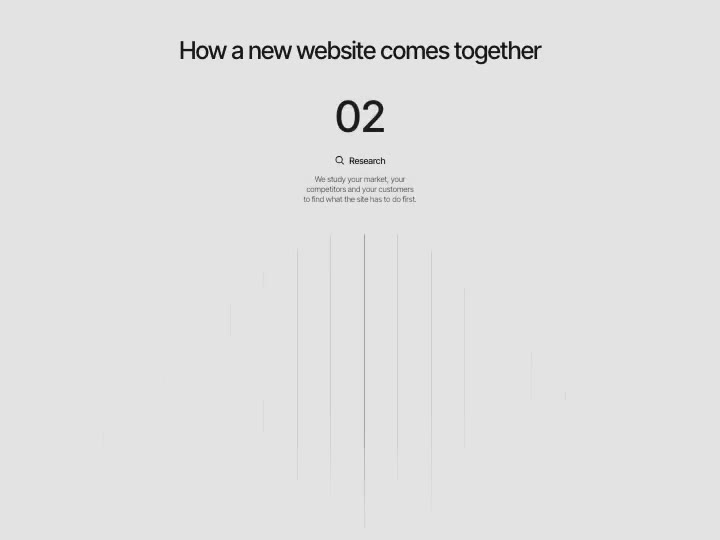
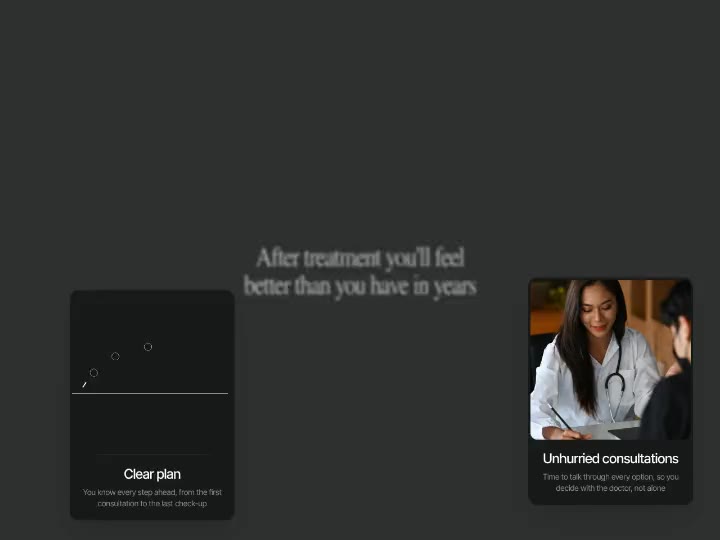
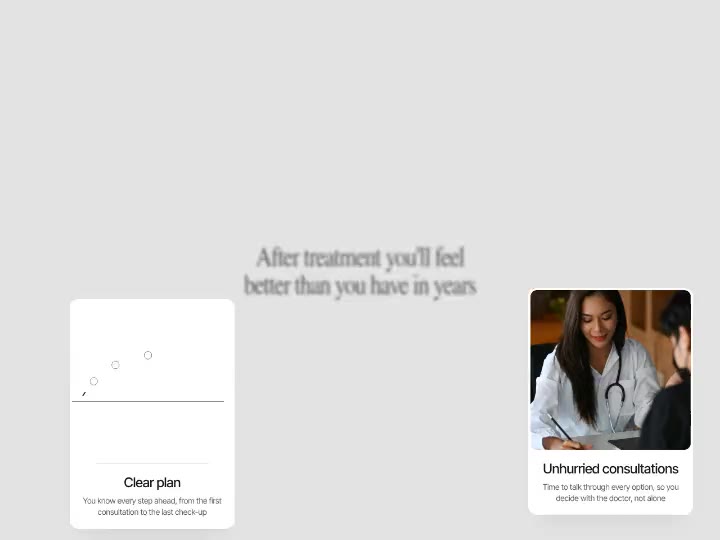
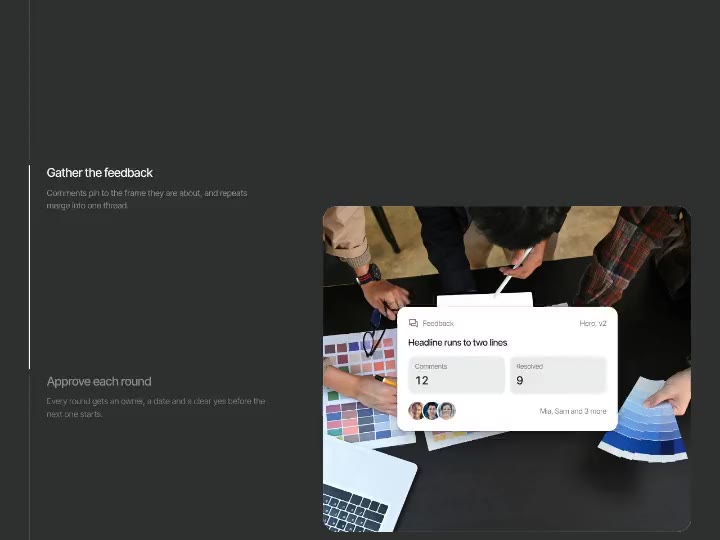
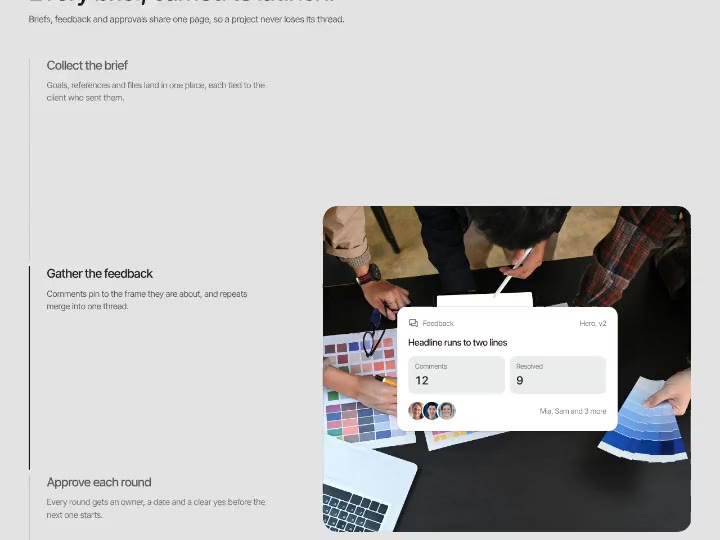
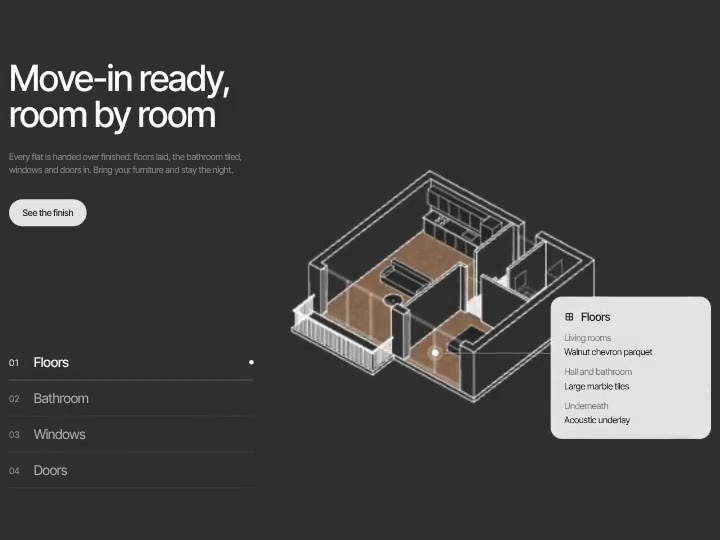
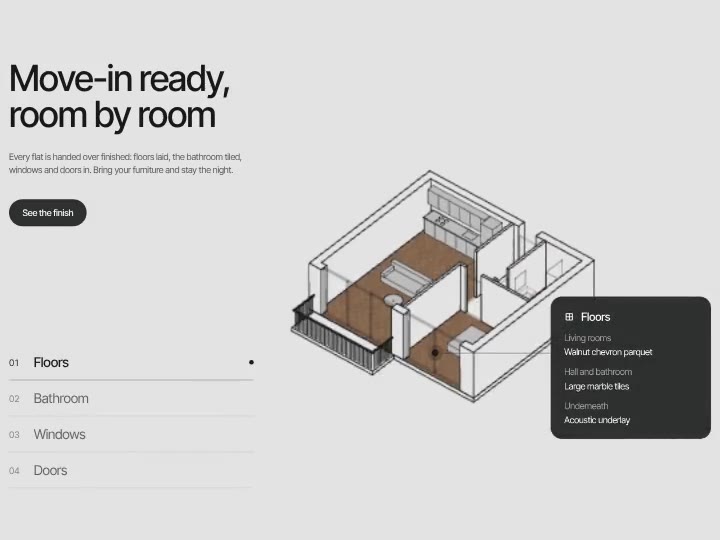
A features section that lays a project out in time: dated columns, six stage plates stepping down to the right and a note from the lead. As it scrolls into view the lines draw down, the plates slide in one after another and the note rides up. On a phone it becomes a clean list.
What you can tune
- Content: Heading, Intro, Intro text, Corners
- Stages: Text, Last column
- Note: Text, Name, Role, Photo, Photo file
- Colours: Page, Text, Muted, Plates, Plate text, Note card
Where it works
Studios, agencies, schools and clinics that sell a process with a clear schedule. A visitor sees at a glance what happens when and how long the whole thing takes, which answers the first question most people ask before they get in touch.
How to use it
- Tune it live on this page.
- Copy it for Figma, Framer or Webflow, or copy a prompt for Lovable, v0, Bolt, Cursor, Claude Code or Codex.
- Paste it. Your settings come with it.
Launch Timeline comes with Sagely Pro.
 Figma
 Framer
 Webflow
 Lovable
 v0 by Vercel
 Bolt.new
 Claude Code
 Codex
 Cursor