Scroll0%
Step Panel preview

Features
Pro
Step Panel
Open this page on a computer to tune the effect. You can still copy it with the default settings.
About Step Panel
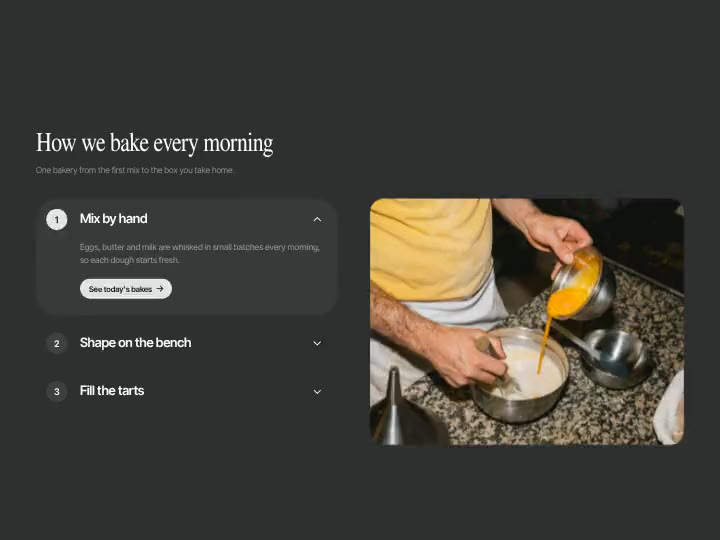
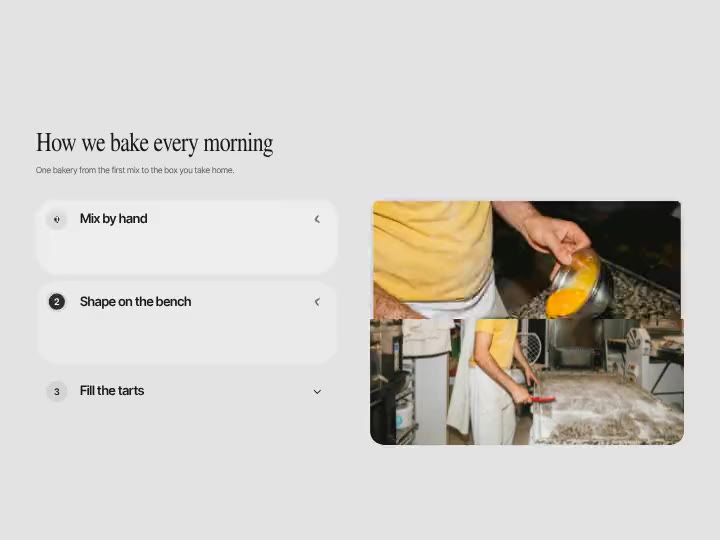
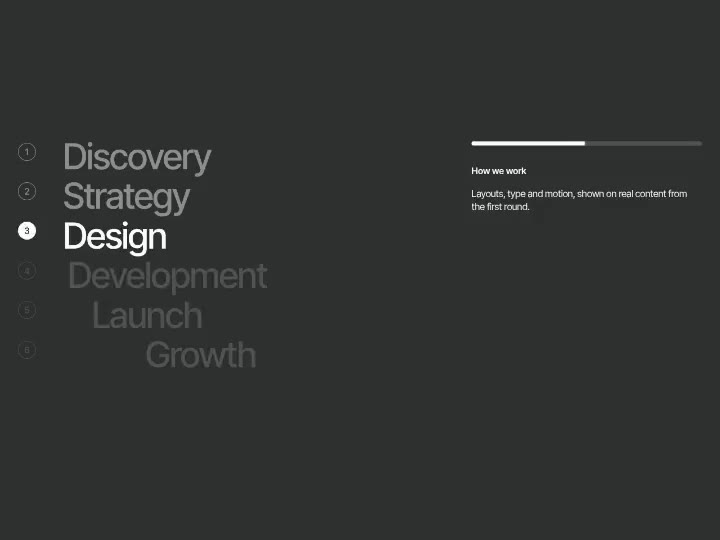
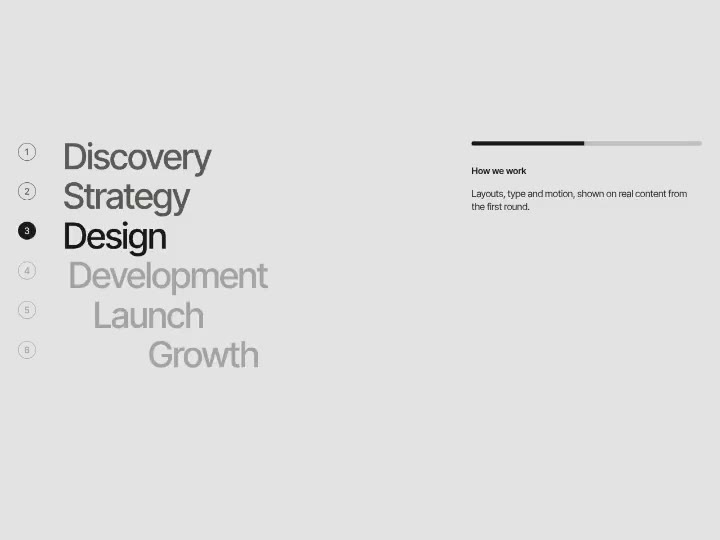
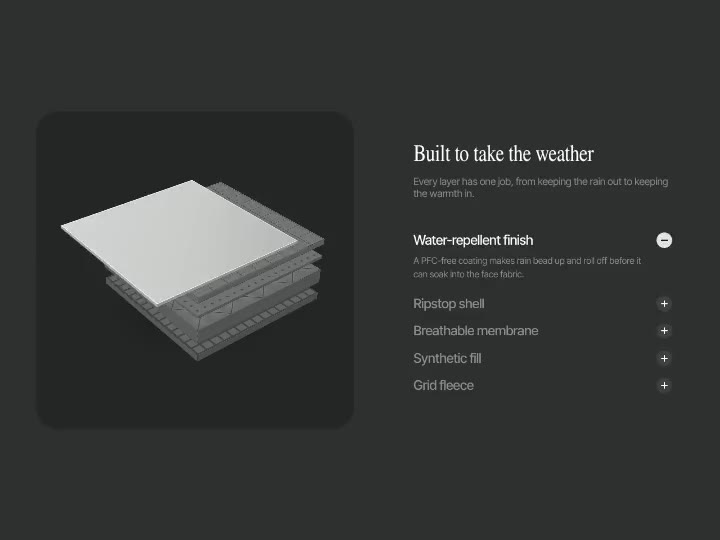
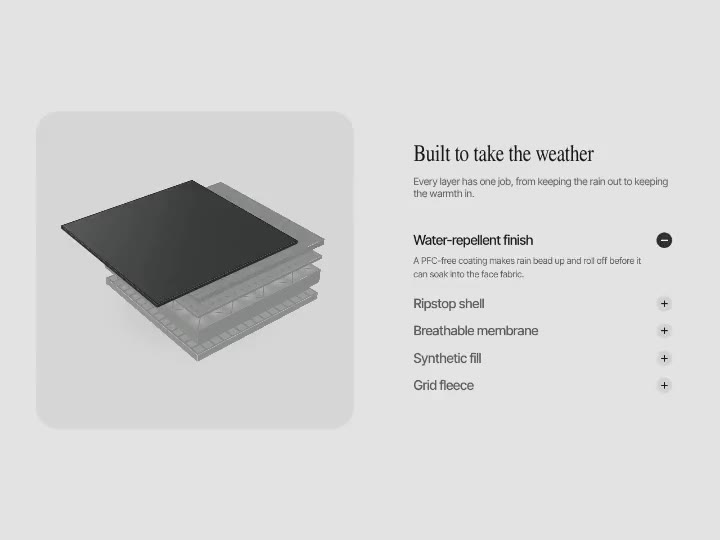
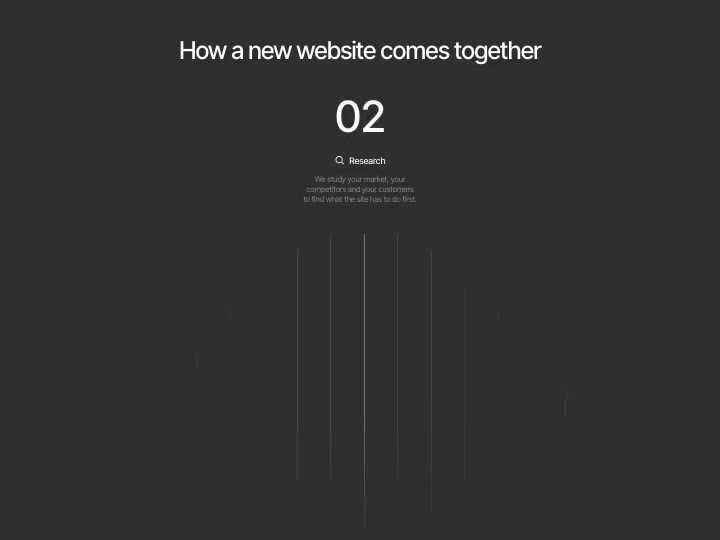
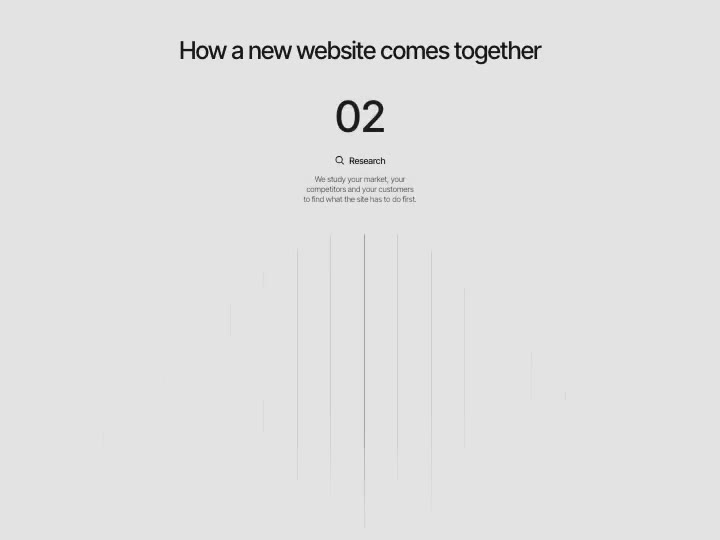
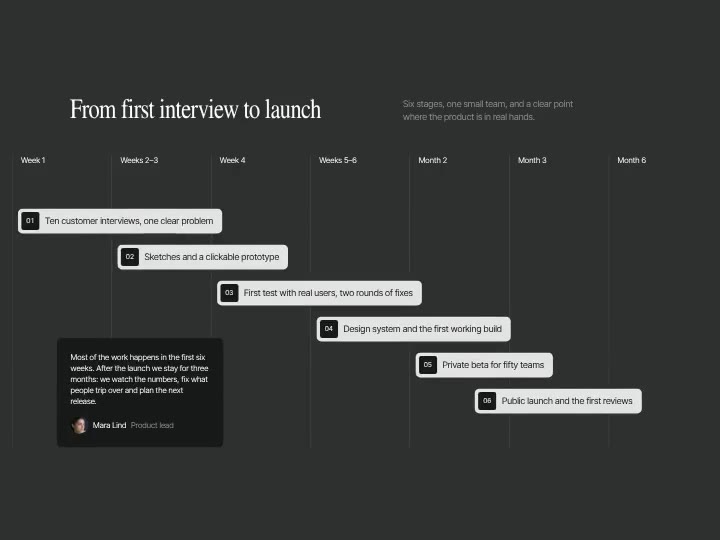
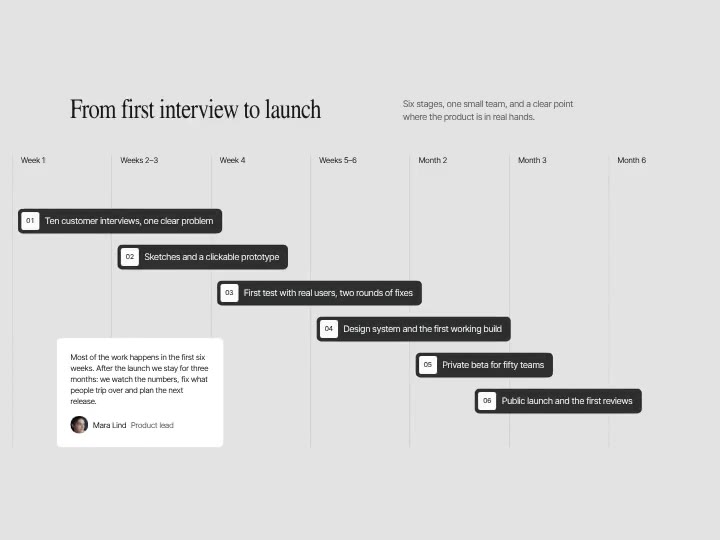
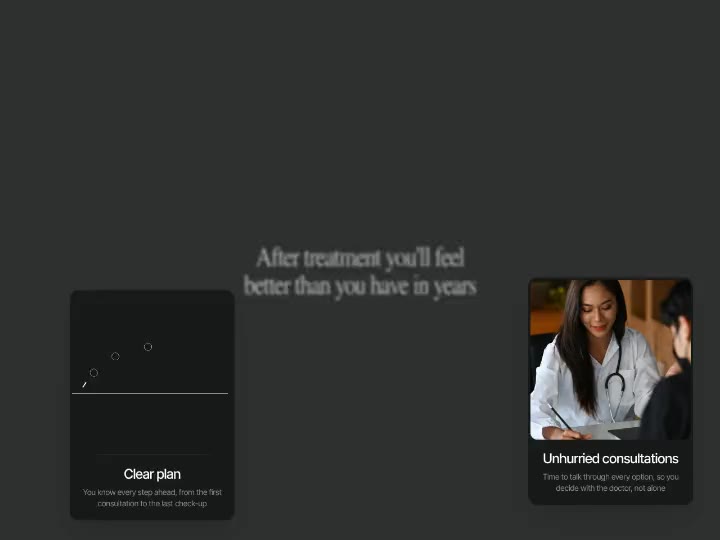
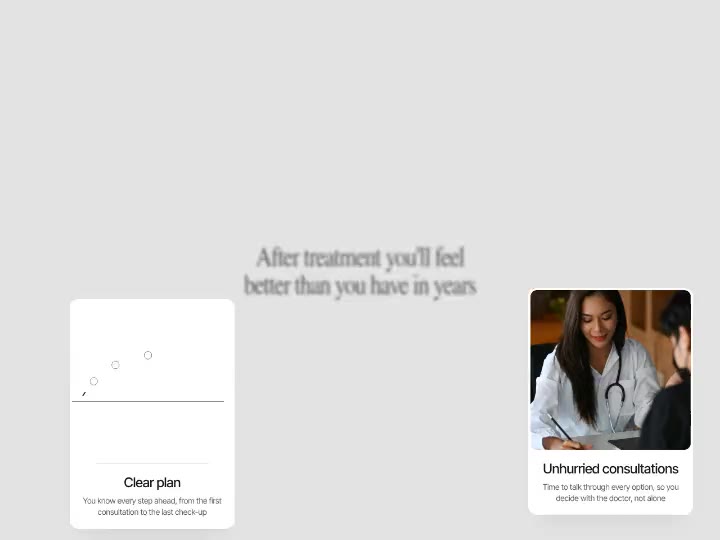
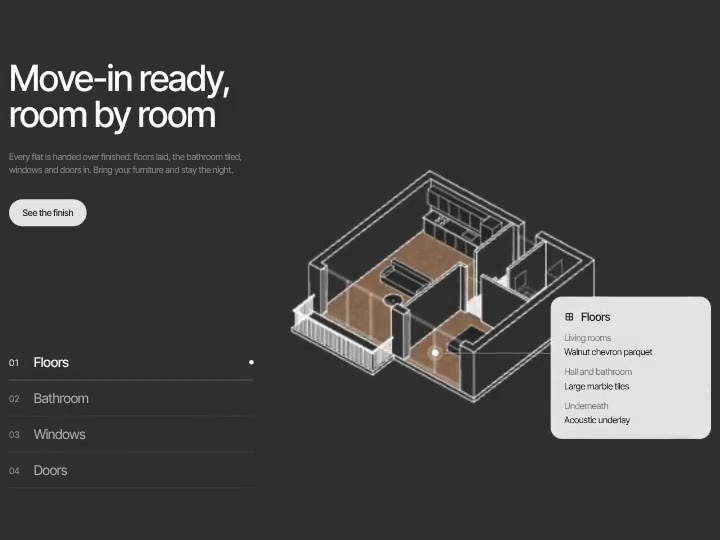
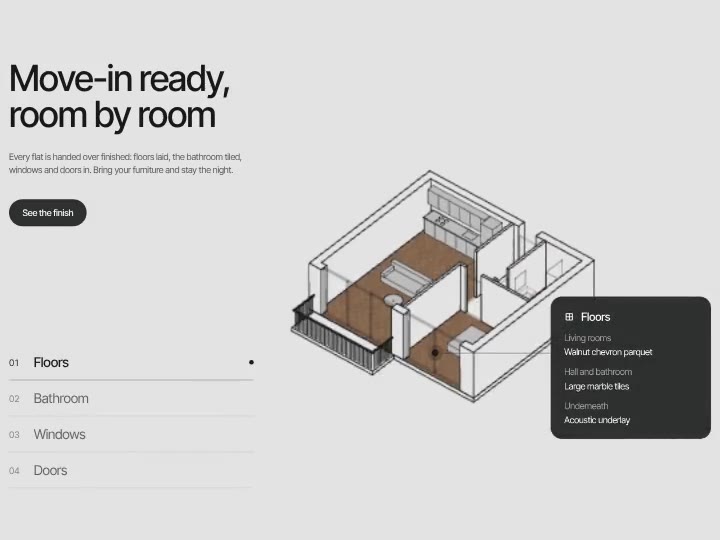
A features section that tells a product story in steps. The steps scroll past on the left while a photo panel holds the screen on the right, and the product card on it changes with each step: the old one rises away, the next comes up from below.
What you can tune
- Section: Heading, Text, Panel photo
- Steps: Steps, Text
- Colours: Page, Heading and current step, Text, Card, Card text
- Motion: Easing
Where it works
SaaS and app landing pages that walk through a workflow, onboarding steps or how a product works. Each step gets a short line of copy and its own screen on the panel, so visitors see the product doing the thing as they read about it.
How to use it
- Tune it live on this page.
- Copy it for Figma, Framer or Webflow, or copy a prompt for Lovable, v0, Bolt, Cursor, Claude Code or Codex.
- Paste it. Your settings come with it.
Step Panel comes with Sagely Pro.
 Figma
 Framer
 Webflow
 Lovable
 v0 by Vercel
 Bolt.new
 Claude Code
 Codex
 Cursor