Scroll0%
Process Ruler preview

Features
Pro
Process Ruler
Open this page on a computer to tune the effect. You can still copy it with the default settings.
About Process Ruler
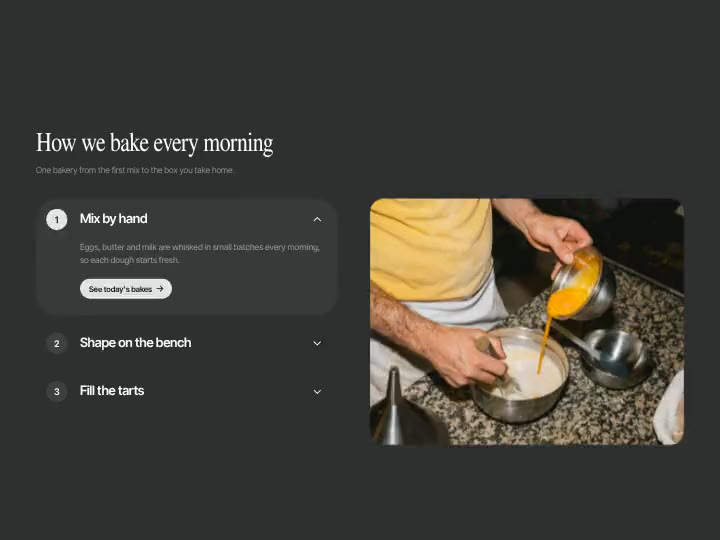
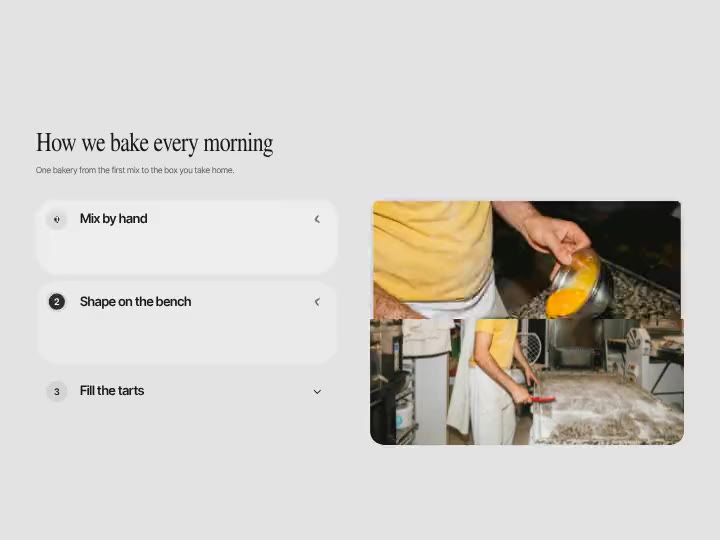
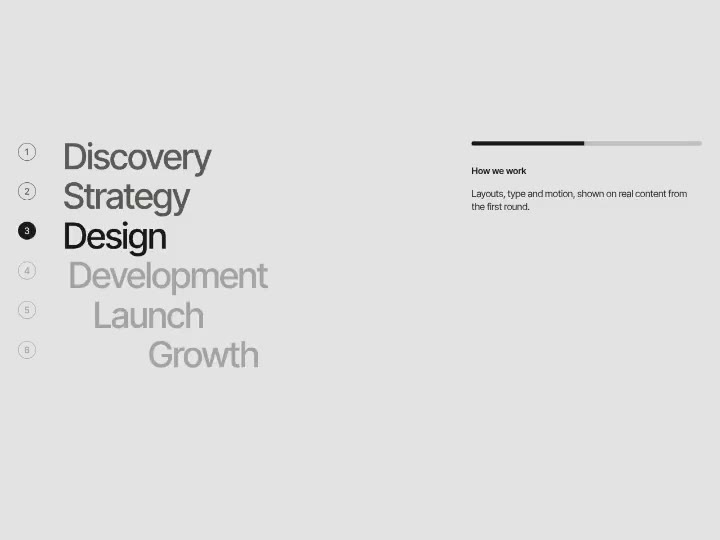
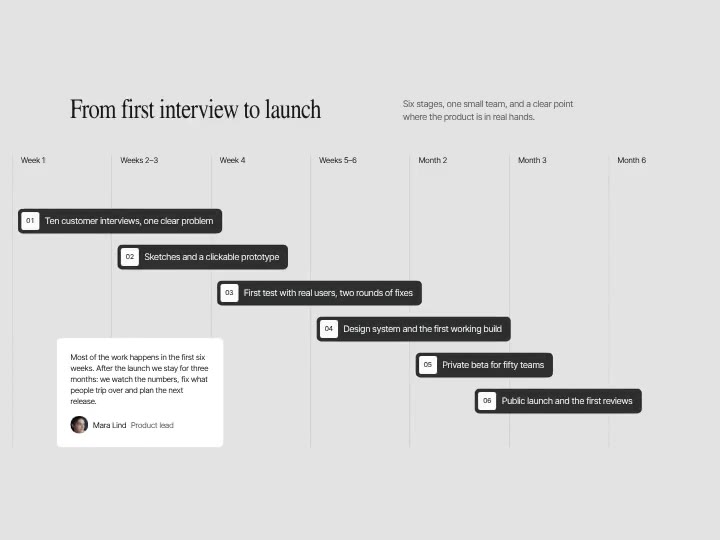
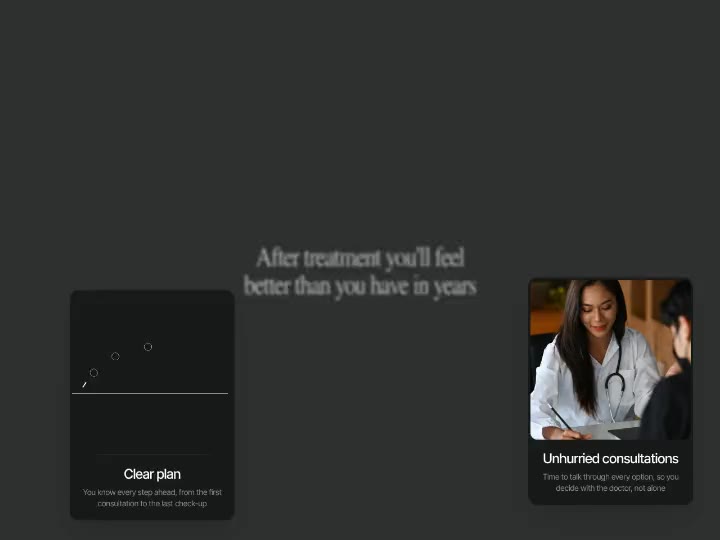
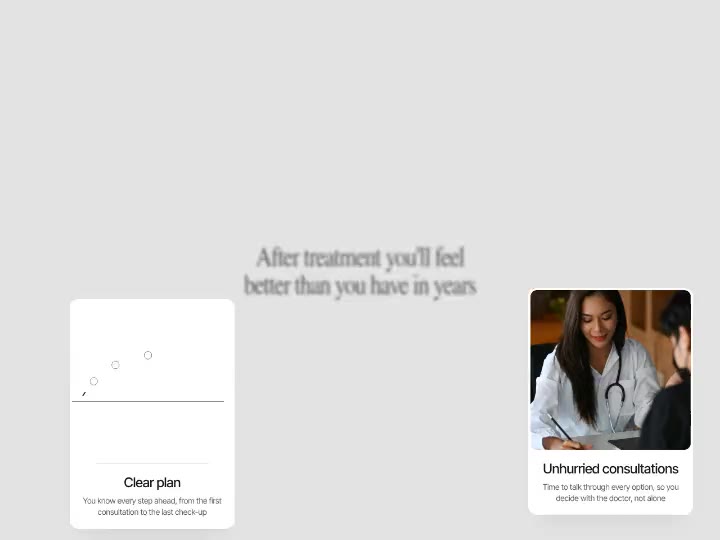
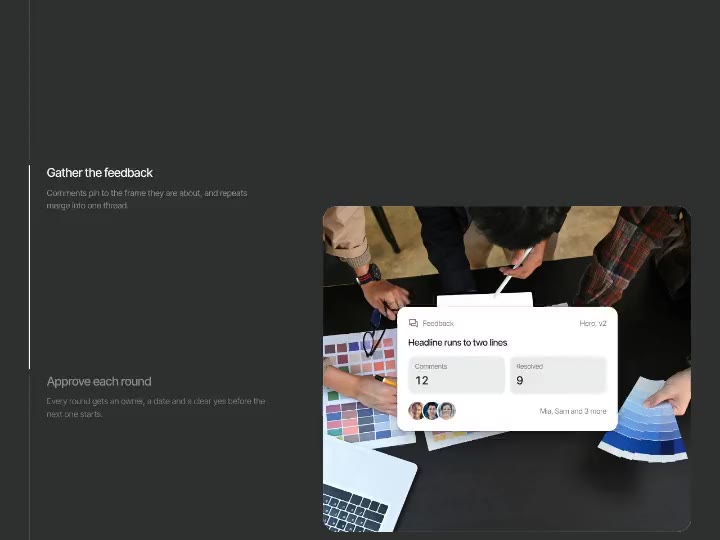
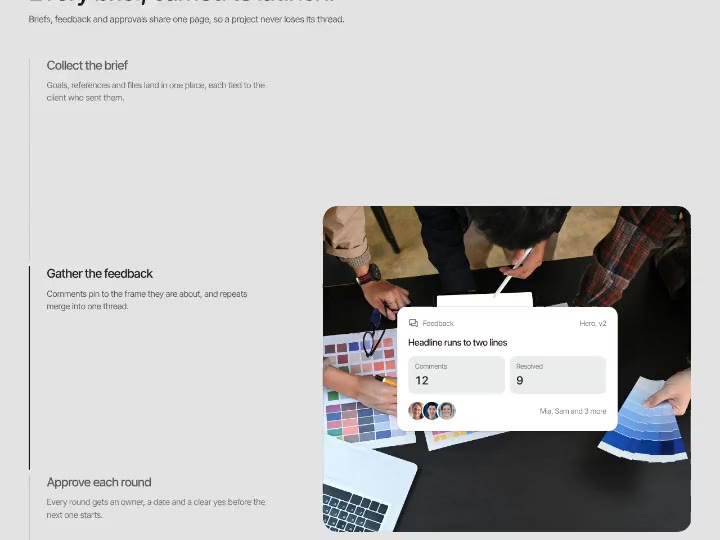
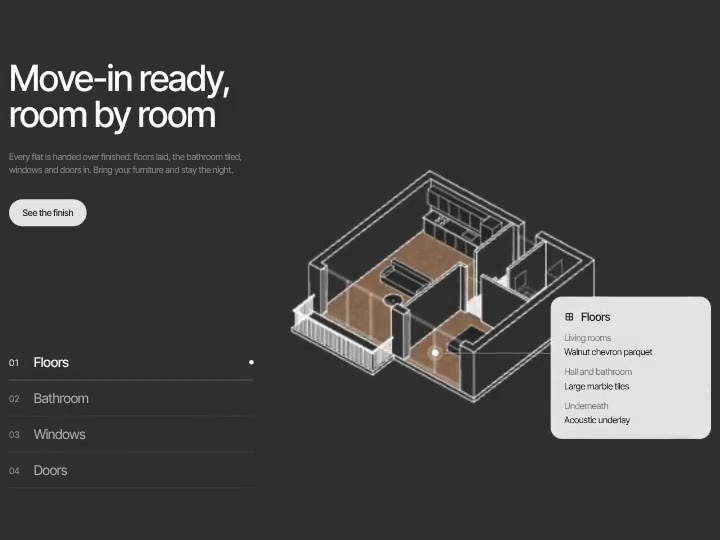
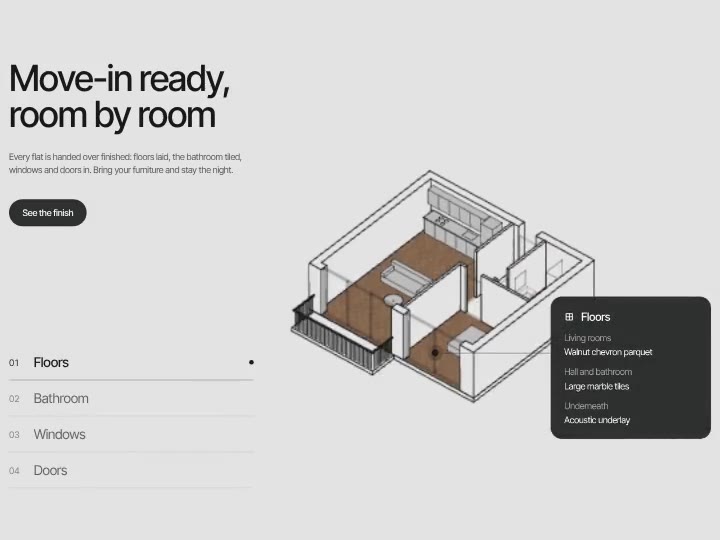
A process section that holds the screen under its heading while the page scrolls: each step's number, icon, title and text blur in, and a ruler of thin ticks slides to the step, swelling into a rippling bell that reaches up to the cursor.
What you can tune
- Section: Heading, Scroll length
- Steps: Steps, Icon, SVG, Text
- Ruler: Bell height, Ripple
- Colours: Page, Text and ticks, Step text, Glow
Where it works
Agency, consultancy and SaaS onboarding pages that explain how working together goes, from the first call to the result. The section holds the screen and shows one step at a time, so a five-step process reads as a calm sequence instead of a wall of cards.
How to use it
- Tune it live on this page.
- Copy it for Figma, Framer or Webflow, or copy a prompt for Lovable, v0, Bolt, Cursor, Claude Code or Codex.
- Paste it. Your settings come with it.
Process Ruler comes with Sagely Pro.
 Figma
 Framer
 Webflow
 Lovable
 v0 by Vercel
 Bolt.new
 Claude Code
 Codex
 Cursor